
Change films right in ADJ on your GR, each film with its own levels
After user feedback, each film now keeps its own film grain, HDF diffusion and film softness levels, and changing films moved into ADJ: while shooting, turn ADJ to the Film tile and press up or down. Nine ADJ settings adds five functions to assign as well: film, film grain, HDF diffusion, film softness and HDR.
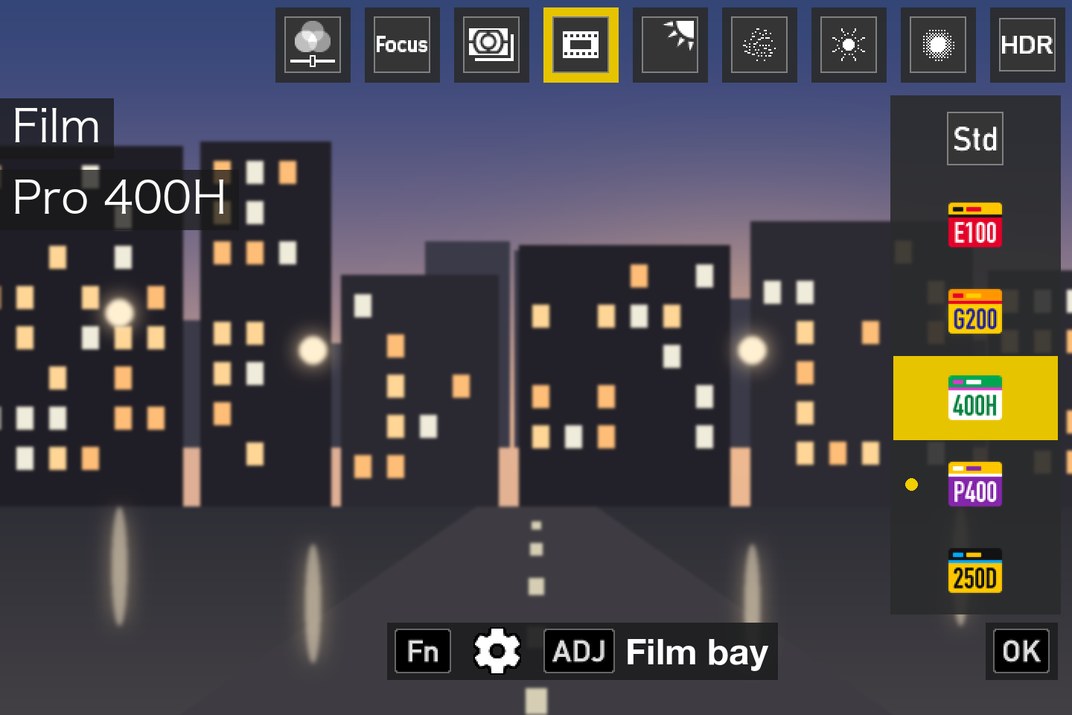
GRLife Pro 1.34: each film keeps its own levels
- The film grain, HDF diffusion and film softness levels are now kept per film: switch to another film and it comes back with the levels you last used on it. The user boxes U1–U3 no longer store the levels.
- While shooting, turn ADJ to the Film tile and press up or down to change films; press the ADJ lever to open the film bay for other films; press Fn to adjust this film’s nine image settings. A key hint shows at the bottom.
- In movie mode, choose films under Image Control in ADJ.
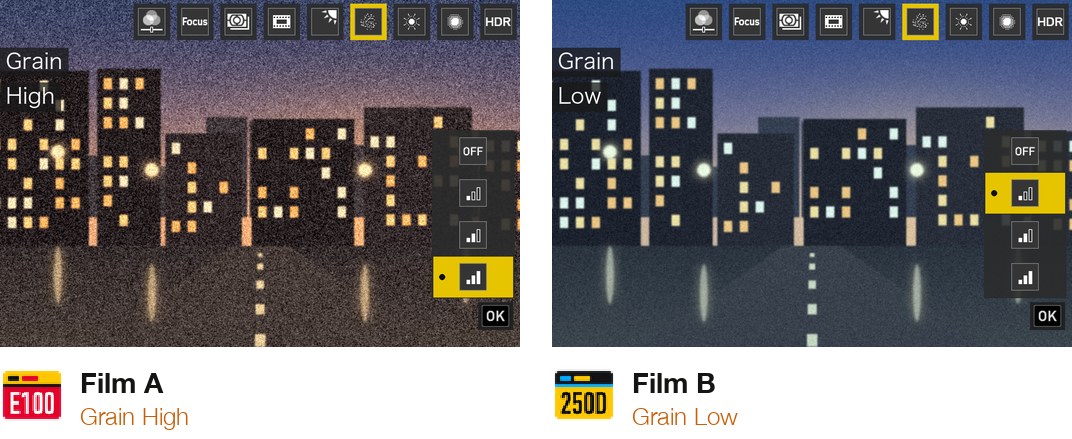
Nine ADJ settings 1.1: five new functions to assign
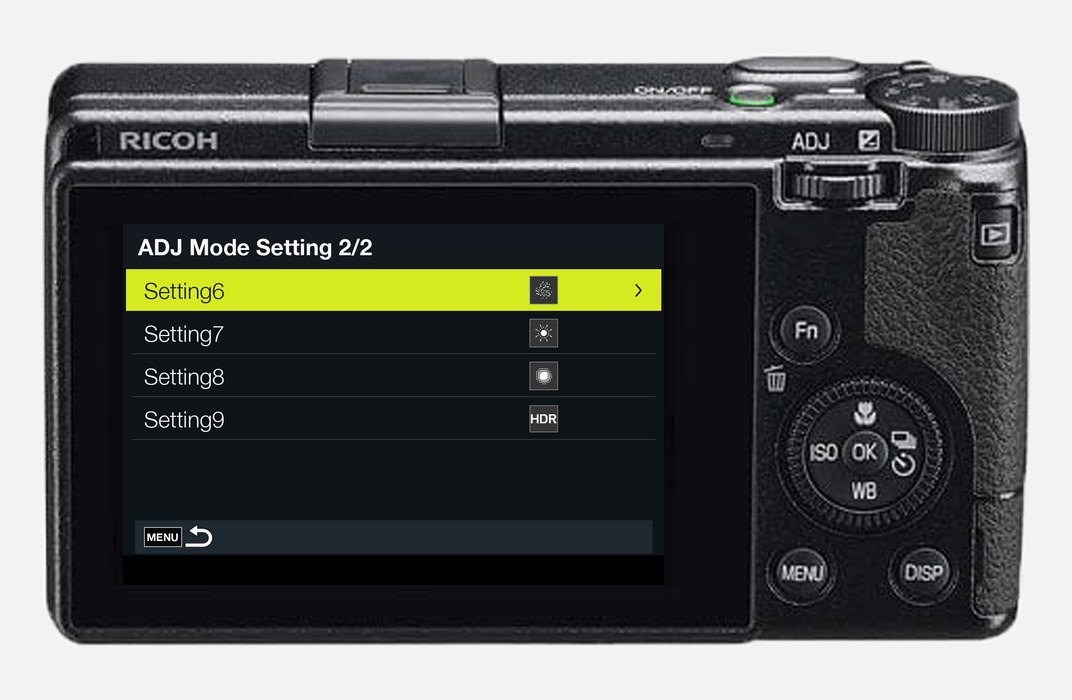
- ADJ Mode Setting gains film, film grain, HDF diffusion, film softness and HDR. The first four need GRLife Pro as well, HDR needs HDR photo.
- Grain, diffusion and softness are available only while a film is in use; otherwise they are hidden.
- In still mode, Image Control in ADJ no longer lists the films; choose them on the Film tile instead.
- On the first start after flashing, ADJ setting 4 is set to Film once; you can change it back in the menu.
Getting started
- Open the firmware store and add GRLife Pro and Nine ADJ settings; to switch HDR in ADJ, add HDR photo as well.
- Generate a new firmware.
- Before installing, press MENU on the camera and run Reset Settings to bring the camera settings back to factory values; settings you changed are cleared, so note them first if you need them.
- Install the firmware as before, then press ADJ while shooting.
Good to know
- Supports GR IIIx 1.60 / 1.70 and GR III 2.10 / 2.20; confirmed on a GR IIIx with 1.70. Not yet tested on a GR III.
- After a later Reset Settings, ADJ setting 4 is back to the stock File Format; set it to Film again in ADJ Mode Setting.
- This is not an official Ricoh tool. Installing unofficial firmware carries risk: keep the stock firmware so you can go back.
Release notes: GRLife Pro 1.34
Release notes: Nine ADJ settings 1.1
This post was first sent by email to GRLife users. To get the next one, sign in and turn on email notifications in Account settings.