Photo tools · Camera Frame
Put your photo back on the camera screen.
Upload a photo shot on a GR. GRLife detects the model and places the photo on that camera’s rear screen. Your photo is processed on this device and never uploaded.
No photo yet.
Choose a photo to preview it here
Turn a Ricoh GR photo into a “camera screen” post
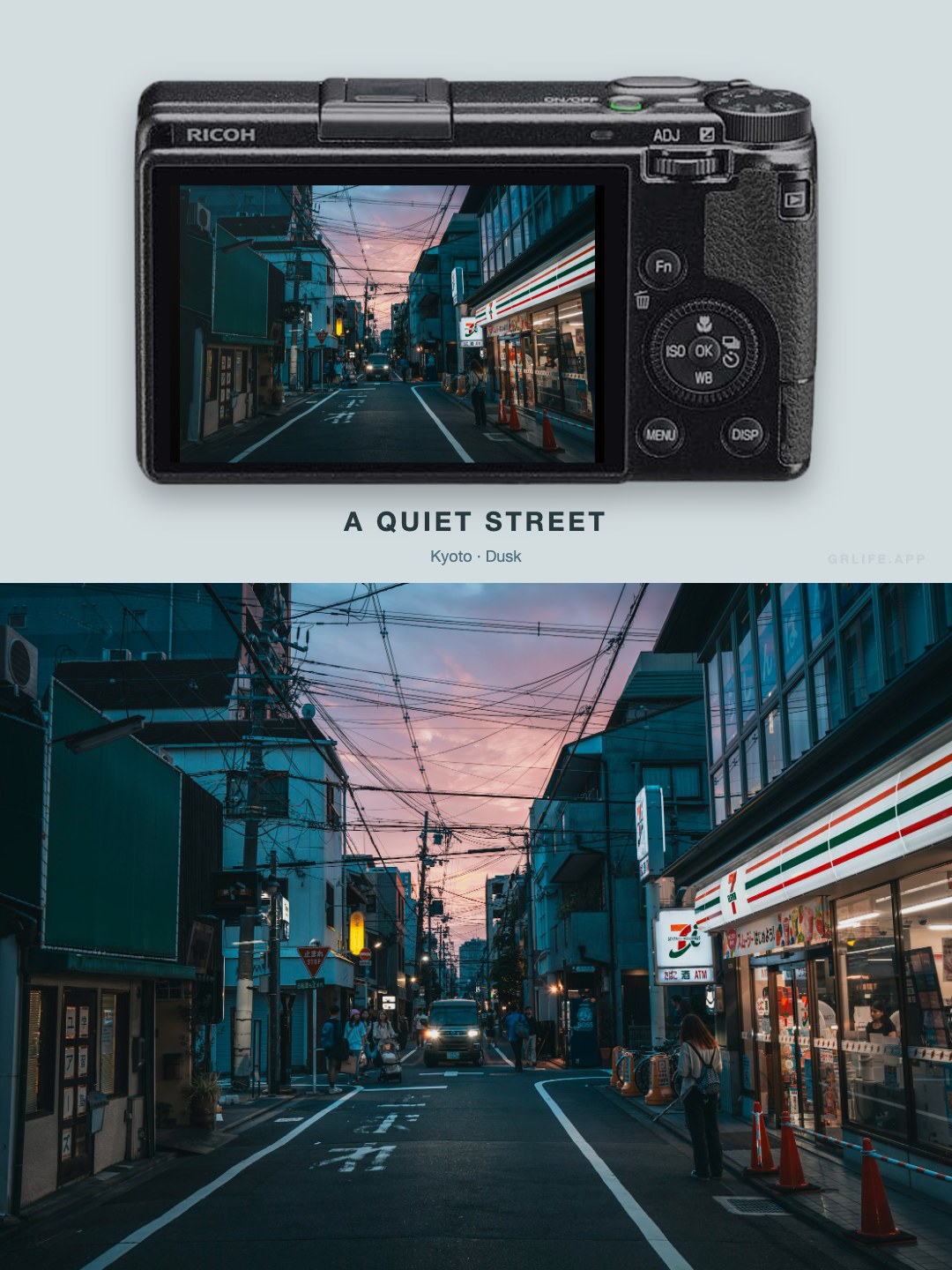
Camera Frame places your photo on the rear screen of the GR that took it, with the full photo below, ready for Instagram, Xiaohongshu and other platforms. Portrait photos are laid out side by side instead: the camera stands upright on the left and the full photo sits on the right.
Supported cameras
- GR III, GR IIIx and their special editions
- GR III HDF, GR IIIx HDF
- GR IV, GR IV HDF
- GR IV Monochrome
Three steps
- Choose a photo.Use a JPEG straight from the camera; the page reads the camera model from it and selects the body for you.
- Adjust the look.The background color follows the photo by default; pick a preset or your own color instead. Title and subtitle are optional.
- Download.Landscape photos export as a 3:4 JPEG, portrait photos as a 4:3 JPEG, at 1×, 2× or 3× size, up to 4320 pixels.
FAQ
- Is my photo uploaded to a server?
- No. Reading the model, cutting out the body and composing all happen in your browser; the photo never leaves this device.
- Why wasn’t the camera detected?
- Photos exported from editing apps, screenshots and images saved from social platforms often lose the camera model the camera wrote. Just choose the body yourself; the result is exactly the same.
- What about portrait photos?
- They switch to side by side automatically: the camera stands upright on the left with the whole photo on its screen, the full photo is on the right, and the result is a 4:3 landscape image. You can also switch between stacked and side by side under Layout.
- Can I use photos from other cameras?
- Yes. When no GR model is detected, choose any GR body and the photo is composed on it.