
GRLife Pro v1.33: cleaner, gentler film grain, and softer colours in film softness again
Many of you told us the large grain clumps added last time made skies and white walls look blotchy and dirty, and that film softness was not as soft as before. GRLife Pro v1.33 fixes both.
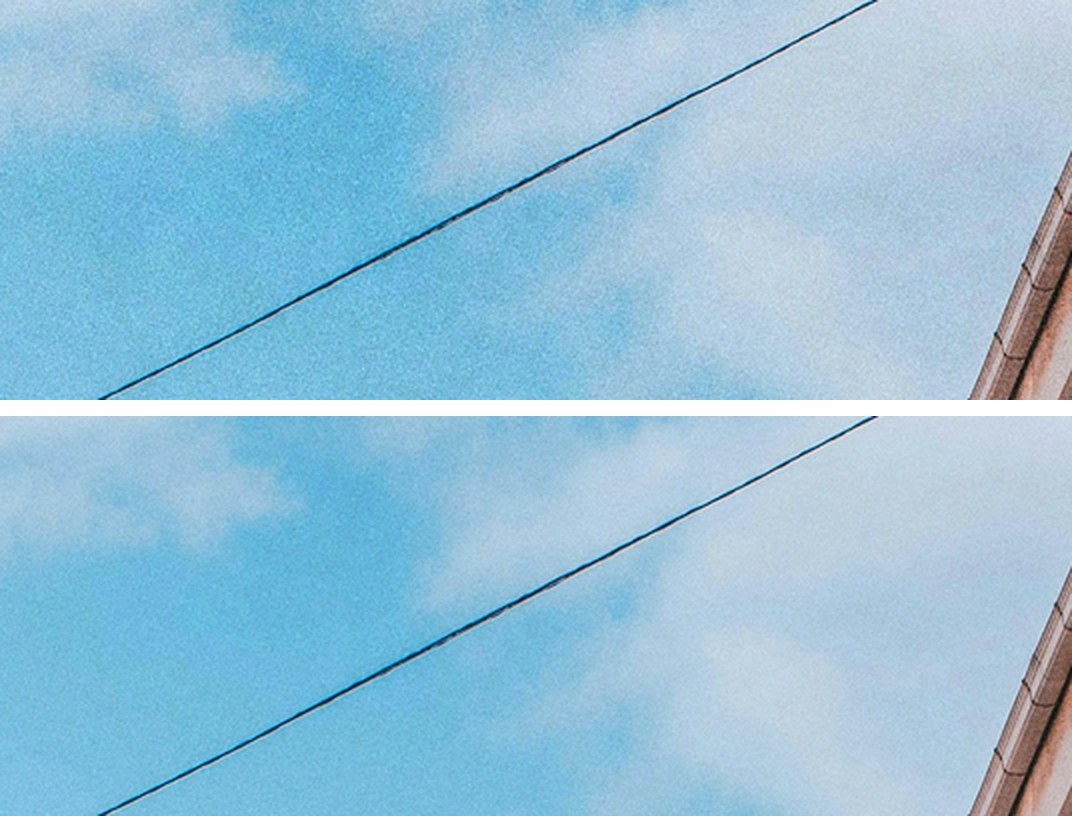
No more blotches in skies and on walls
The same sky, as a phone shows the whole photo and then zoomed 2 x, grain at Medium. Top: v1.32; bottom: v1.33.
What’s new
- Films of ISO 400 and below no longer get the large grain clumps; films of ISO 800 and above keep half, so fast films stay gritty.
- All three grain levels are one step gentler: the new High is the old Medium, the new Medium the old Low, and Low is lighter still. If you like heavy grain, High now gives you what Medium used to.
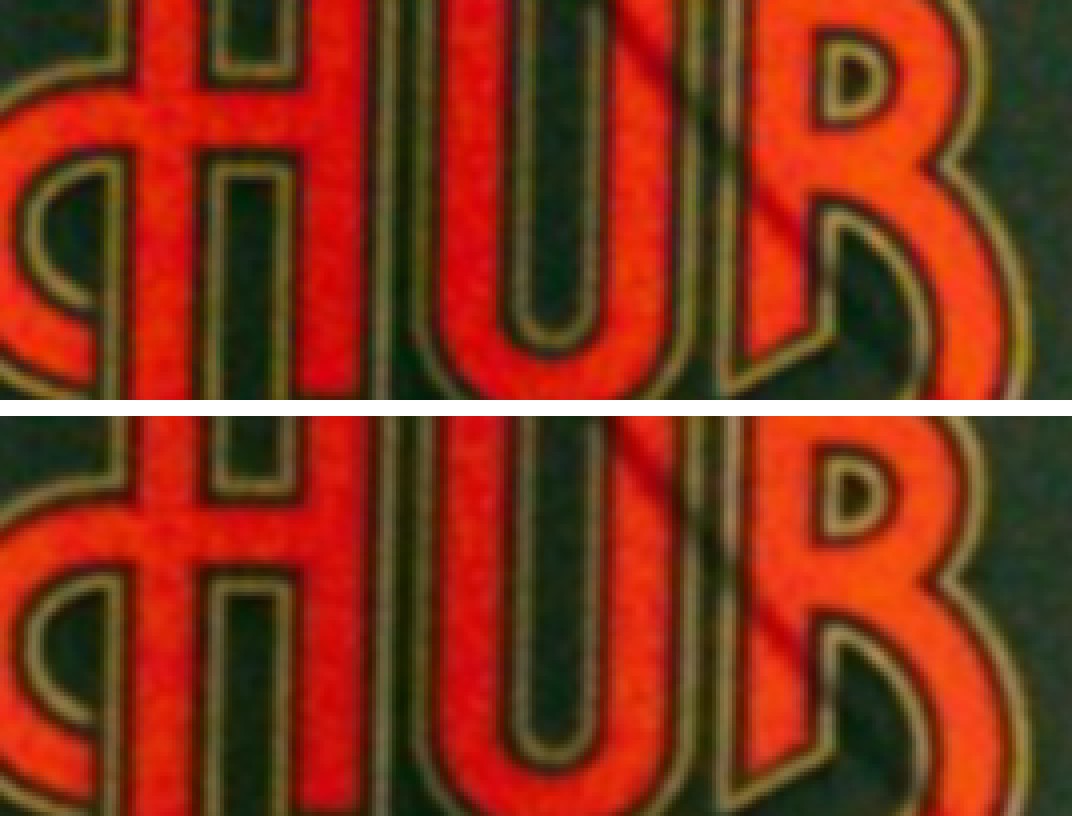
- Film softness softens the colours again, so colour edges are as soft as before.
- At 100 % the fine grain looks the same, just lighter overall.
Film softness softens the colours too
Red letters on a street sign, camera pixels at 4 x, softness at Medium. Top: v1.32 (luma only, leaving hard colour fringes); bottom: v1.33.
Getting started
- Generate a new firmware in the firmware store and install it as before. Open MENU → GRLife Pro → Info: when the second line reads v1.33 you are on the new version.
- The film library file on your SD card stays as it is, and so do your grain and softness settings.
- If the grain now feels too light, go one level up for the look you had before.
Good to know
- Supports GR IIIx 1.60 / 1.70 and GR III 2.10 / 2.20; confirmed on a GR IIIx with 1.70.
- Installing unofficial firmware carries risk: keep the stock firmware so you can go back.
This post was first sent by email to GRLife users. To get the next one, sign in and turn on email notifications in Account settings.