
Four duotone films join the film library: black plus one colour
The film library has a new Duotone group. The picture turns black and white, then the shadows go pure black and the brighter tones print in a single colour: red, yellow, blue or a warm off-white. Inspired by the two-colour looks of keychain toy cameras, they shine with backlit silhouettes, hard shadows and big skies; exposure compensation sets how much of the frame goes black. No firmware update needed.
Also: the camera’s film library holds at most 16 groups, so the former Leica M9 group has joined the Leica group. M9 and M9 Std look exactly the same and appear under Leica once you download the library again.
The pictures are simulations computed the way the camera processes the image, not camera shots.
Duotone
 Red Black
Shadows go pure black, the brighter tones print in a bright red. The boldest of the four: made for backlit portraits and sunset silhouettes.
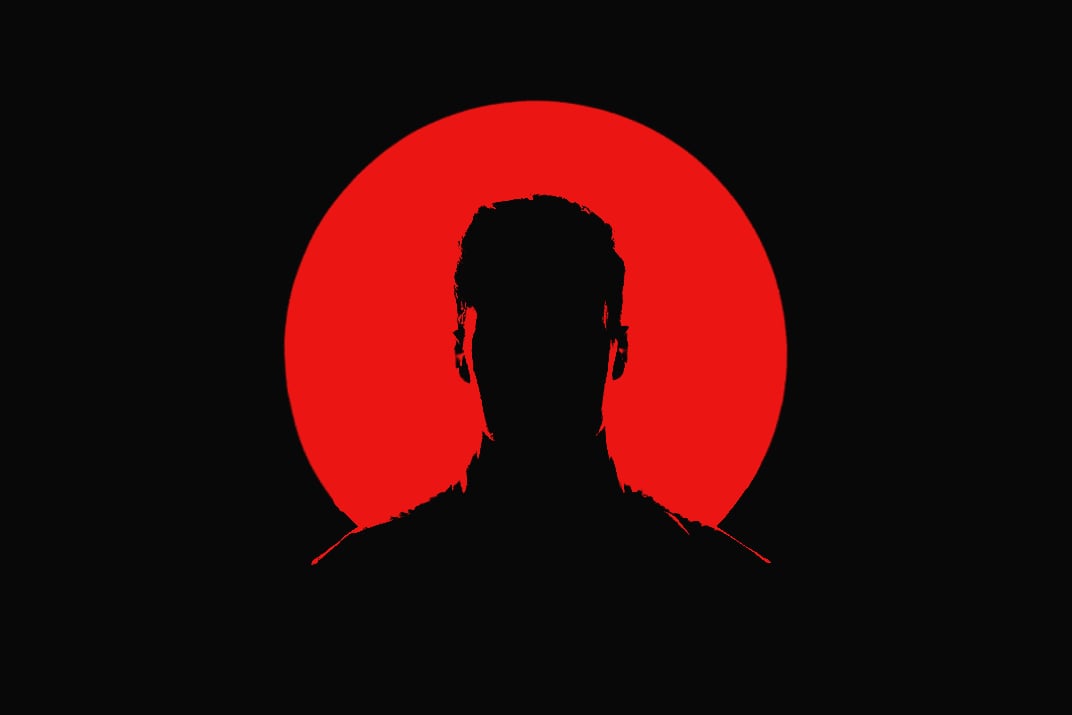
 Yellow Black
Pure black shadows and a sunny lemon yellow. Best with plants, window light and shadows on a wall.
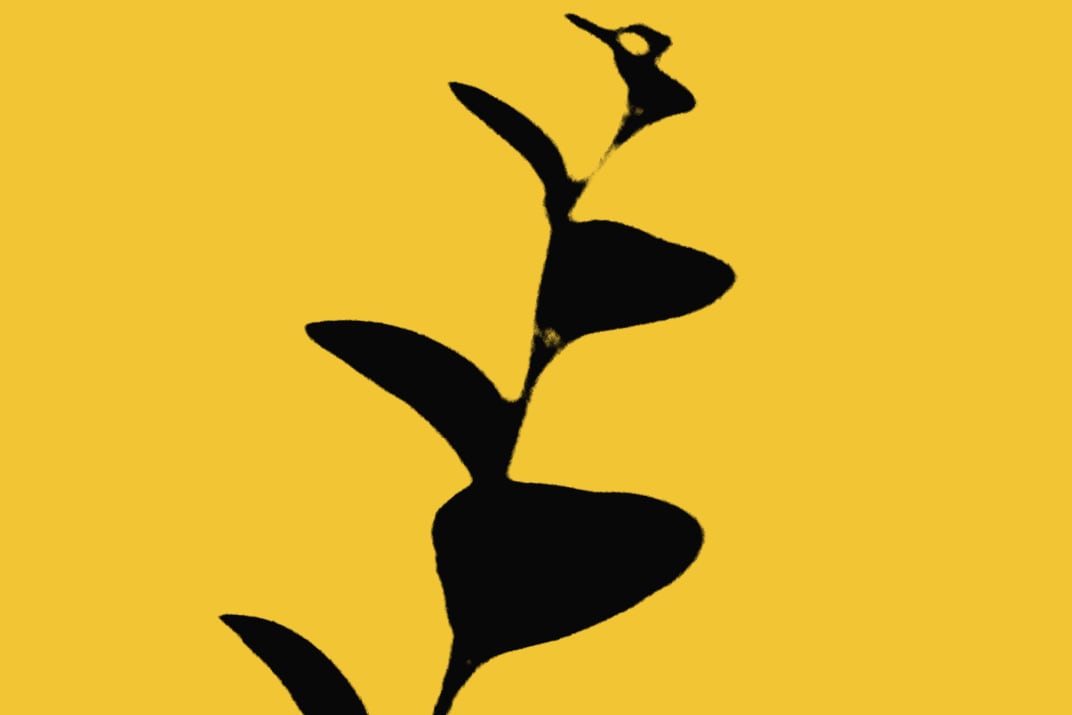
 Blue Black
Pure black shadows and a deep cobalt blue. Branches against the sky and building outlines look great.
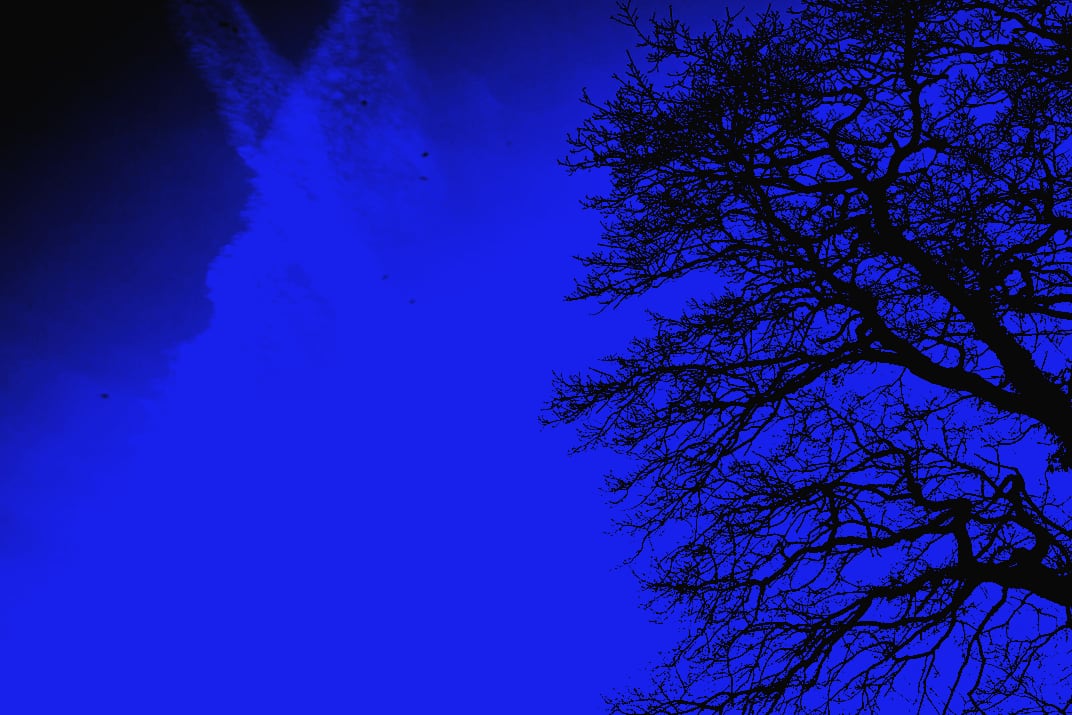
 Gray Black
Pure black shadows and a warm off-white, as if printed on old paper. The quietest of the four, close to a black-and-white print.
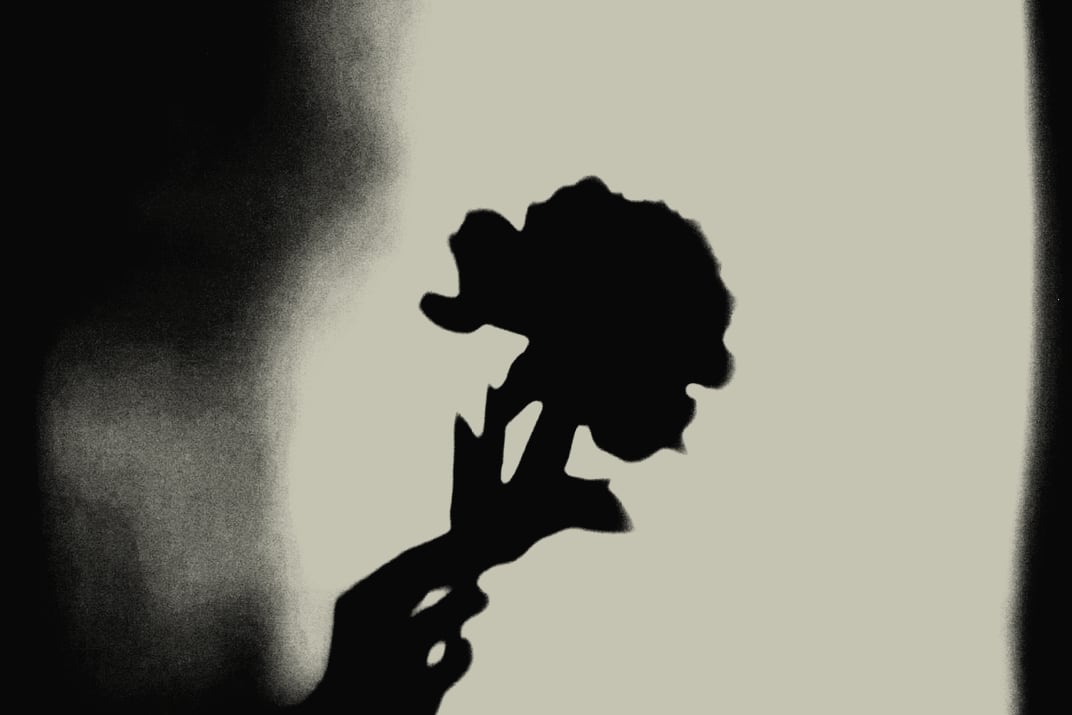
If you own the GRLife Pro Film Collection, all four are already included at no extra cost:
- Open the film library page and download the film library again.
- Copy it to the GRLIFE folder on your memory card, replacing FILMS.GRF.
- In the camera’s film bay, load any of the duotone films into a position.
This post was first sent by email to GRLife users. To get the next one, sign in and turn on email notifications in Account settings.