
GRLife Pro v1.39: light leaks – first-of-the-roll burns and edge leaks
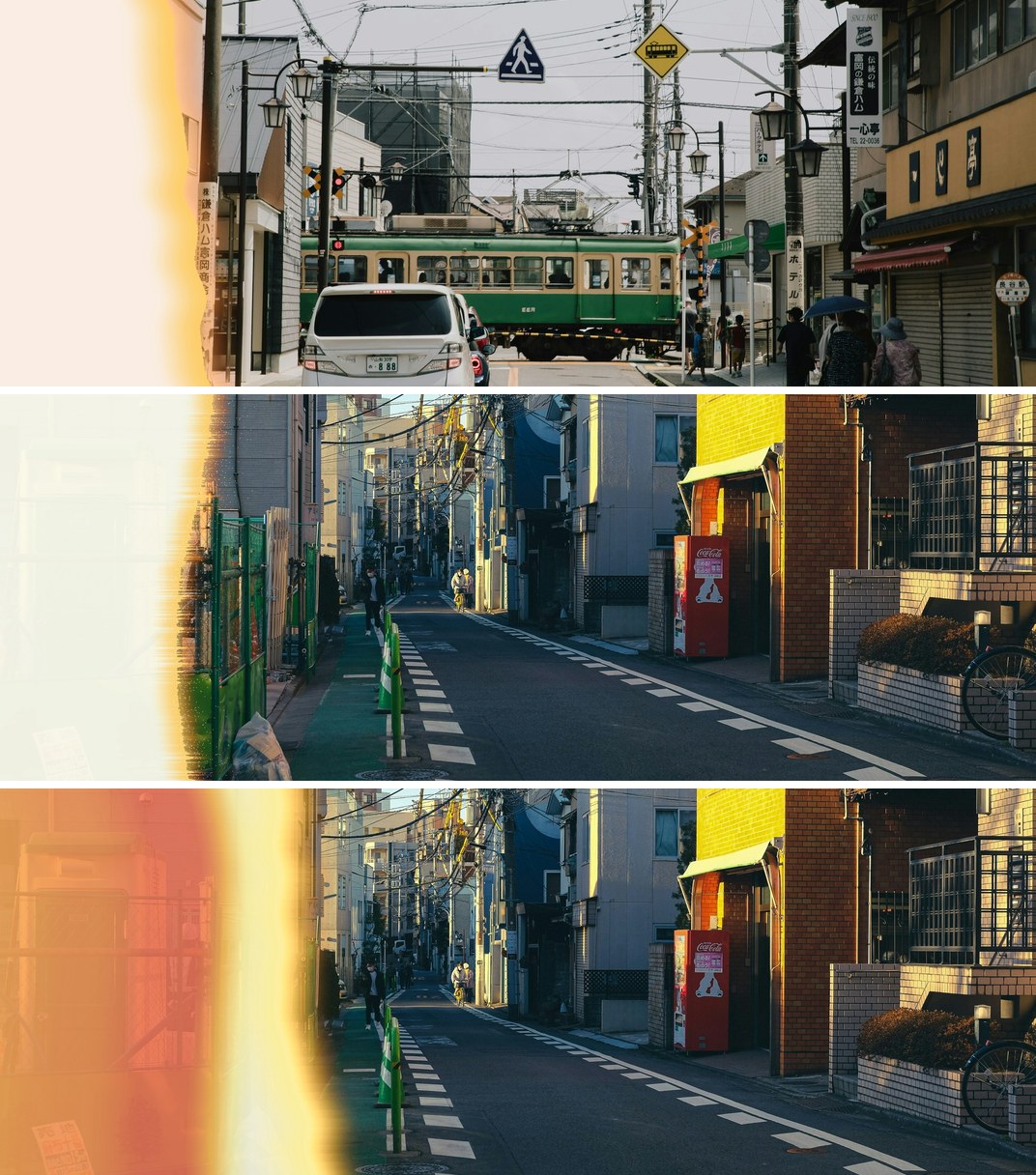
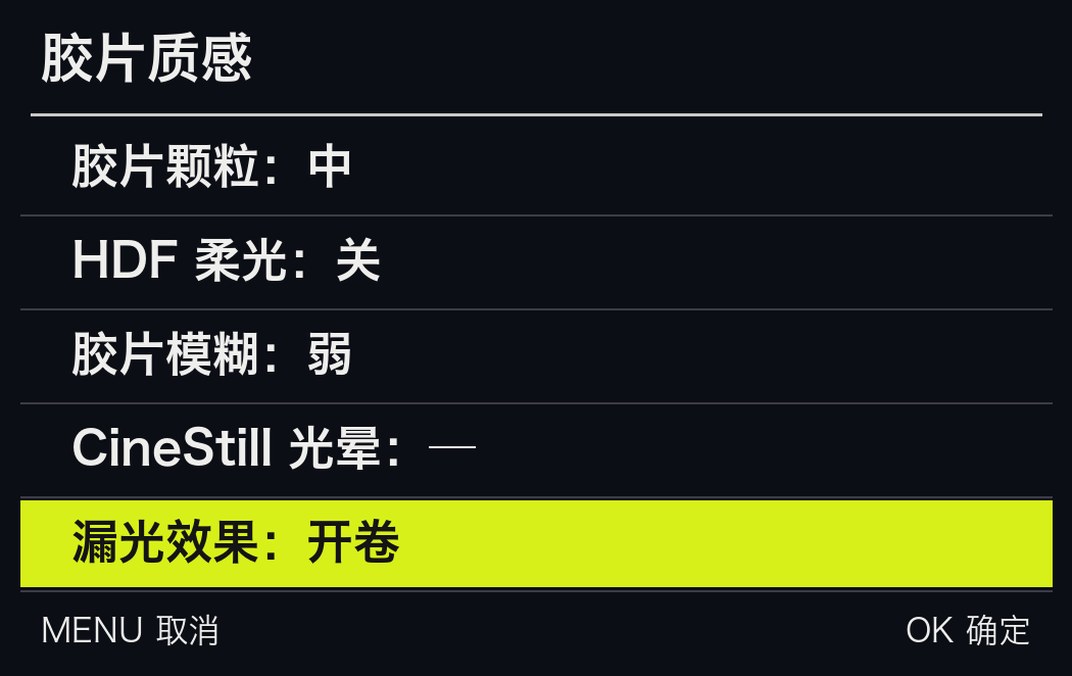
The first frame of a roll, fogged while loading the film: the left of the picture burnt out behind a narrow orange-red fringe. Your GR can now do it straight out of the camera: MENU → GRLife Pro → Film texture has a fifth row, Light leak, with off, edge and first roll. Every photo gets its own leak.

What’s new
- Film texture has a fifth row, Light leak: off, edge or first roll.
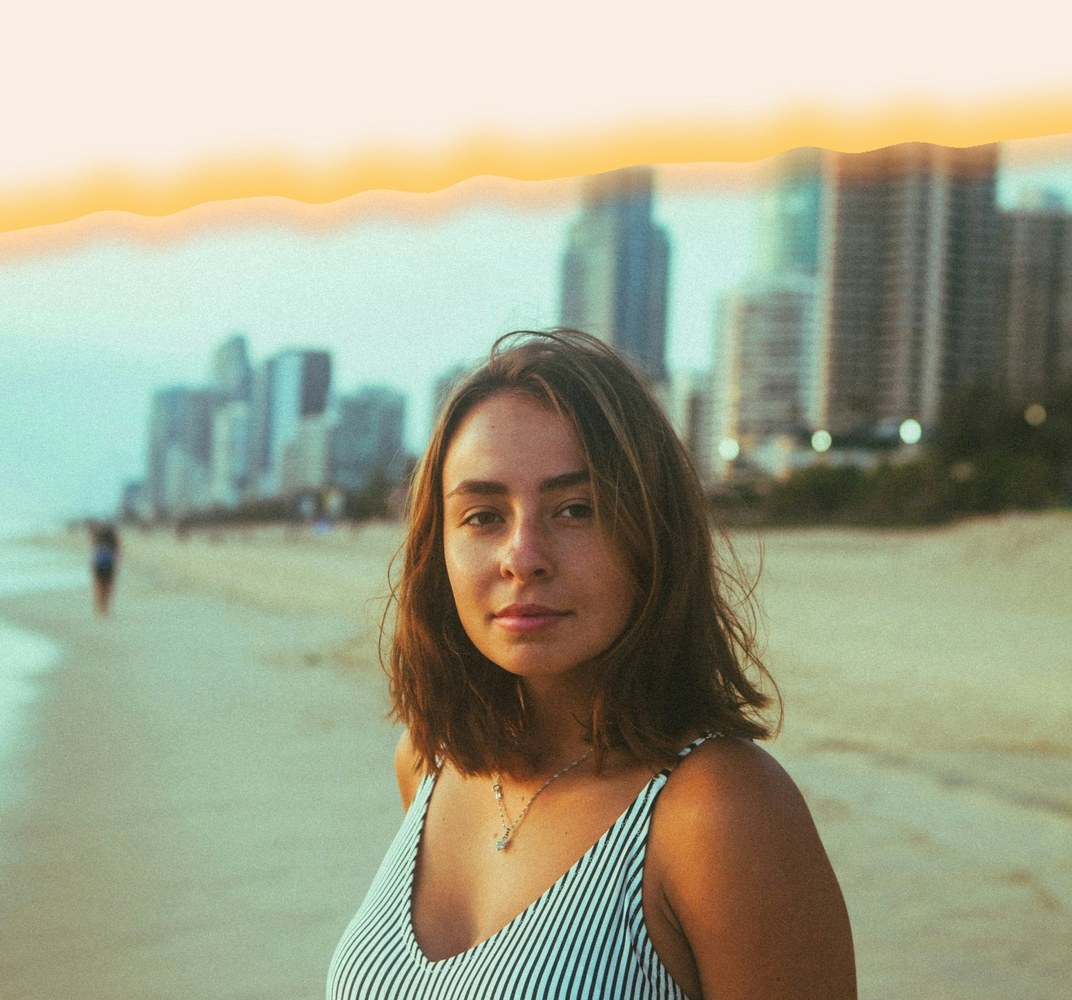
- First roll: the left of the picture burns out (mostly white or cream, sometimes yellow or peach) behind a narrow yellow, orange and red fringe, straight, torn or in layered bands. Shot upright, it lands at the top or bottom, following the way the camera was turned.
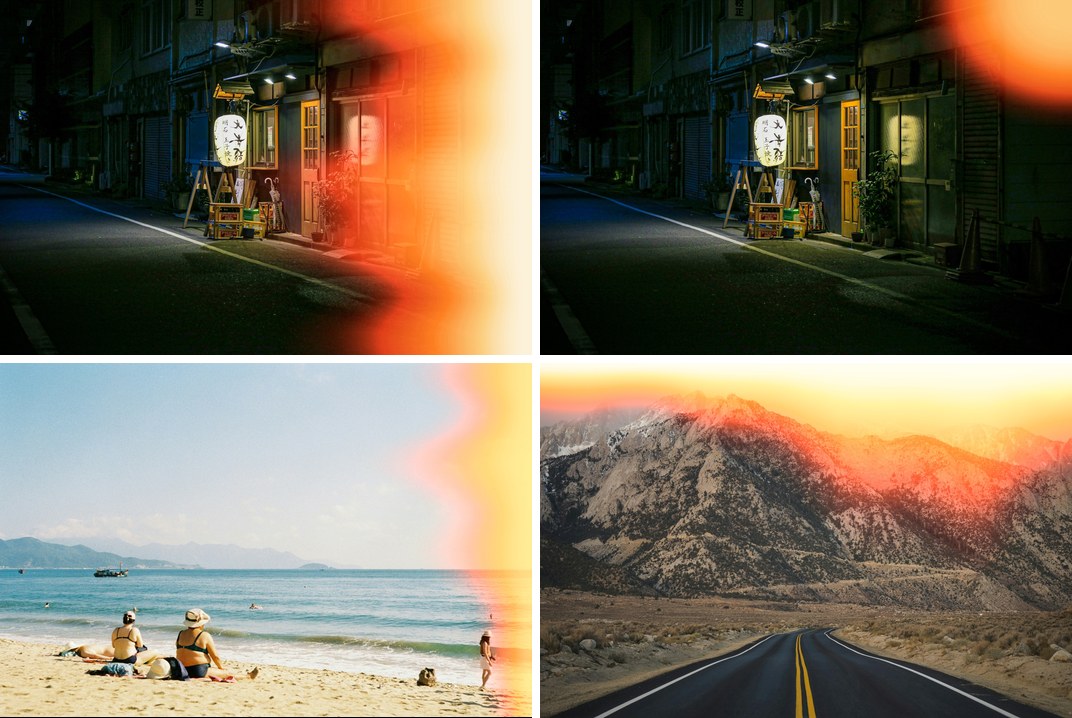
- Edge: an orange-red leak creeps in from a side or corner.
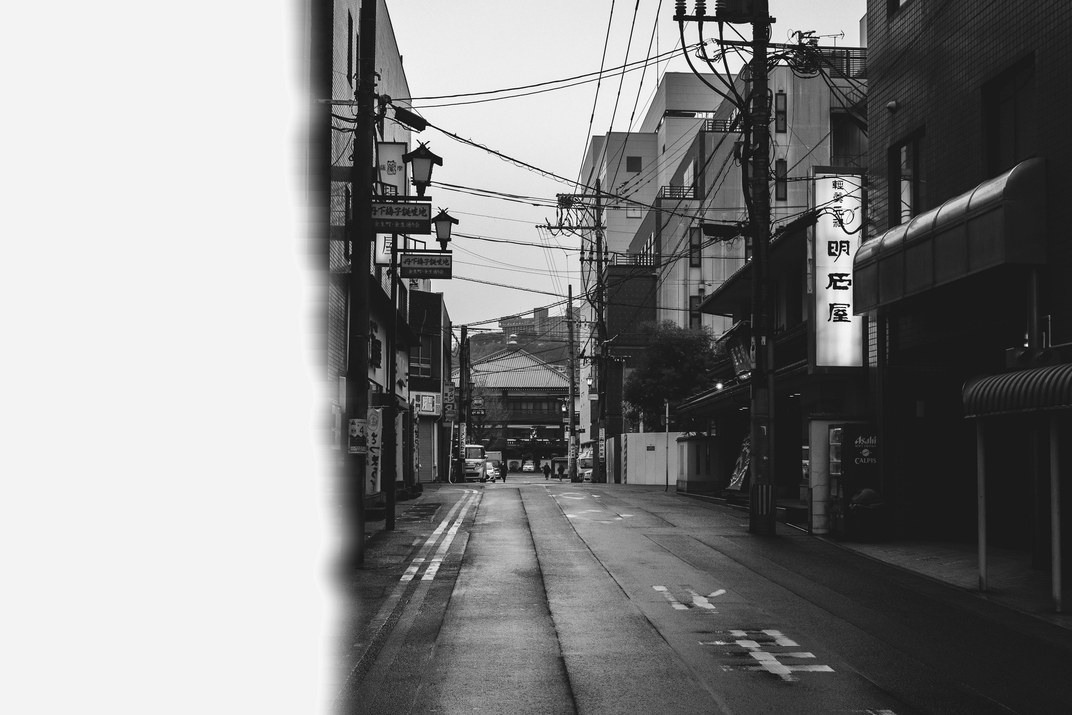
- Every photo gets its own leak. It applies to film bay films only; black-and-white films change in brightness only, and the imprint stays on top.
- ADJ 1.3: ADJ Mode Setting can take Light leak as a function (with GRLife Pro selected too), so you can switch it while shooting; the strip skips it when no film is in use.
First roll: straight, torn, layered bands
Top to bottom: straight, torn, layered bands. The colour and width of the burn change with every photo.
Shot upright: top or bottom
Shot upright, the burn follows the way the camera was turned and lands at the top or bottom; in landscape it is on the left.
Edge: orange-red light from a side or corner
It creeps in from one side or one corner, narrow or wide; strongest at night, a warm veil by day.
Black-and-white films: brightness only
With a black-and-white film the leak adds no colour; it only brightens and burns out.
Where to set it
MENU → GRLife Pro → Film texture, fifth row, Light leak: off, edge or first roll. ▲▼ pick a row, ◀▶ change it. (Screen shown with the camera in Chinese.)
How to upgrade
- Generate a new firmware in the firmware store and install it as before.
- Open MENU → GRLife Pro → Info: when the second line reads v1.39 you are on the new version.
- With a film bay film in use, pick the leak under GRLife Pro → Film texture; to switch it on the fly, assign Light leak in ADJ Mode Setting.
Good to know
- You will not see the leak in live view; it appears in the saved JPEG, and JPEGs from RAW development follow the setting too.
- Supports GR IIIx 1.60 / 1.70 and GR III 2.10 / 2.20; confirmed on a GR IIIx with 1.70.
- Installing unofficial firmware carries risk: keep the stock firmware so you can go back.
This post was first sent by email to GRLife users. To get the next one, sign in and turn on email notifications in Account settings.