
Instant film in the film library: Polaroid and Instax
The film library has a new Instant film group with two films, Polaroid and Instax: one has the bright, faded, soft look of an old Polaroid print, the other the harder contrast and paler colour of a Fujifilm Instax print. Both use hue sectors, so they look their best on GRLife Pro 1.36 firmware.
The pictures are simulations computed the way the camera processes colour, not camera shots.
Instant film
 Polaroid
Faded Polaroid: noticeably brighter, lifted blacks and soft highlights, clearly paler colour with a neutral balance, like a print that has sat in a drawer for years.

 Instax
Fujifilm Instax: clearly harder contrast, paler colour with a slight magenta lean and a touch brighter, so a quick street snap reads like an instant print.
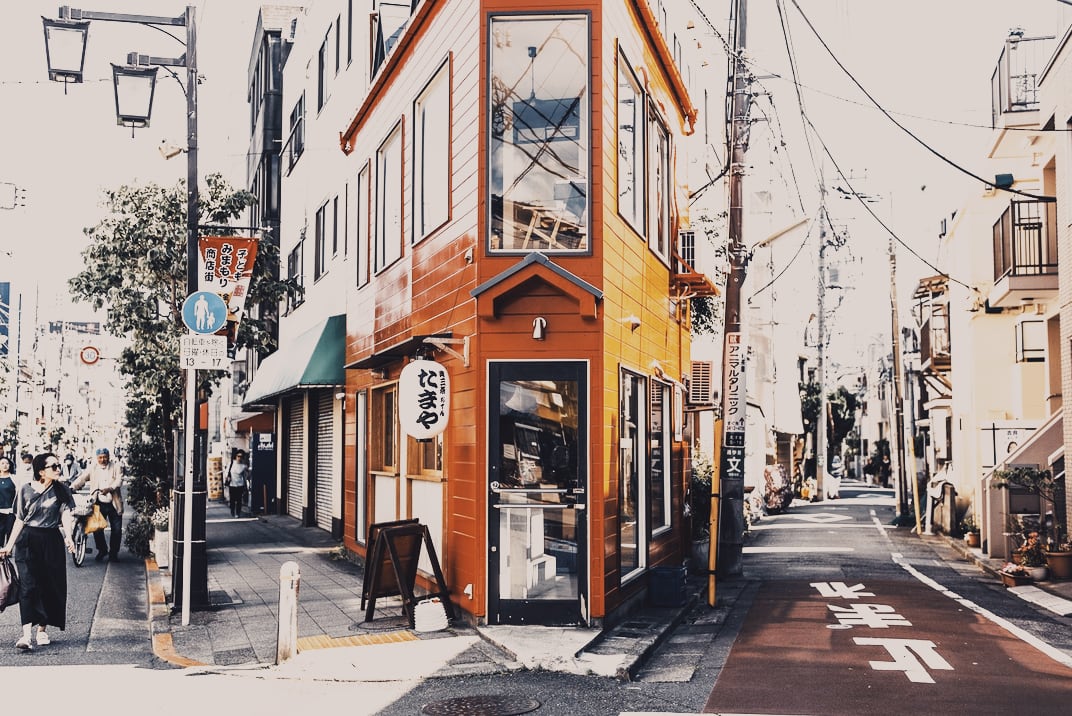
If you own the GRLife Pro Film Collection, both films are already included at no extra cost:
- Open the film library page and download the film library again.
- Copy it to the GRLIFE folder on your memory card, replacing FILMS.GRF.
- In the camera’s film bay, load Polaroid and Instax into any positions.
This post was first sent by email to GRLife users. To get the next one, sign in and turn on email notifications in Account settings.