
Solarization in the film library: Solar Mid, Twin and Dark
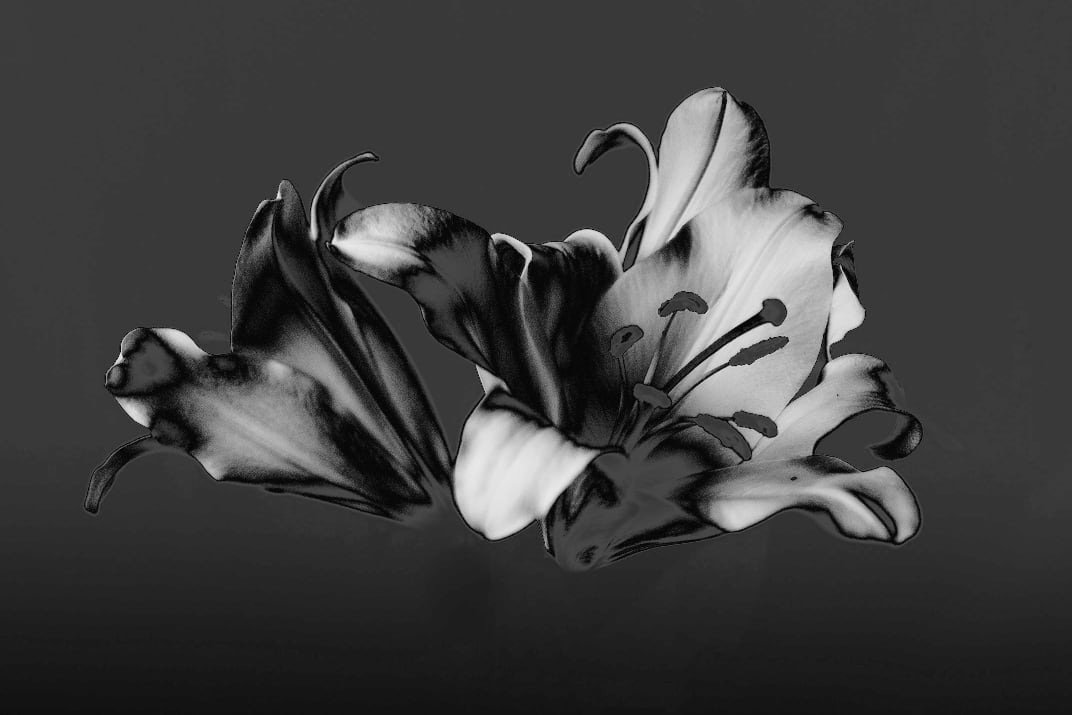
Ricoh’s new GR IV Monochrome firmware added a solarization look. Now the film library’s black-and-white group has three solarization films: the tone curve turns back over part of the range, so those tones come out reversed and edges pick up light or dark outlines. Each film flips a different range, the live view shows the effect as you frame, and exposure compensation moves where the tones flip. No firmware update needed.
The pictures are simulations computed the way the camera processes the image, not camera shots.
Black and white · Solarization
 Solar Mid
The classic solarization: the mid tones flip, so darks turn light and lights turn dark, and every edge picks up a glowing outline, like a darkroom light switched on halfway through developing.

 Solar Twin
Two reversals: the shadows and the mid tones each flip once, bright subjects turn a metallic grey and edges get a double line; it shows in everyday streets and rooms too.
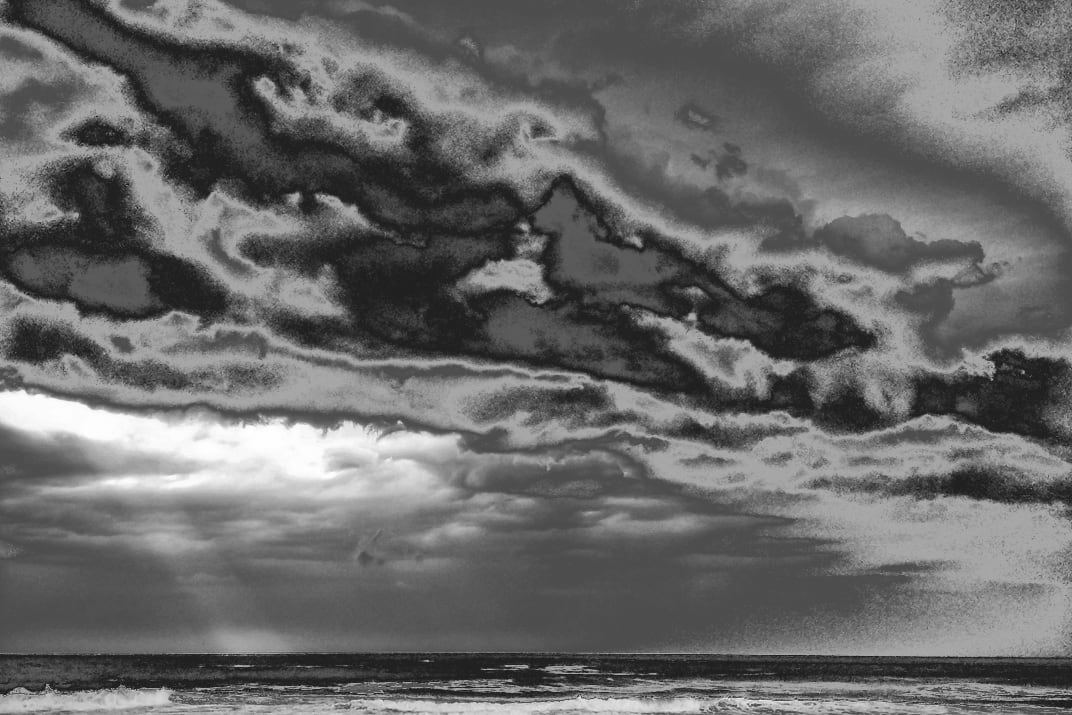
 Solar Dark
Only the shadows flip: highlights stay as they are while the darks gain a sheen and outlines; the most photographic of the three, with harder contrast and a slightly darker look.
If you own the GRLife Pro Film Collection, all three films are already included at no extra cost:
- Open the film library page and download the film library again.
- Copy it to the GRLIFE folder on your memory card, replacing FILMS.GRF.
- In the camera’s film bay, load Solar Mid, Solar Twin and Solar Dark into any positions.
This post was first sent by email to GRLife users. To get the next one, sign in and turn on email notifications in Account settings.