
GRLife Pro v1.23: grain rebuilt from real film
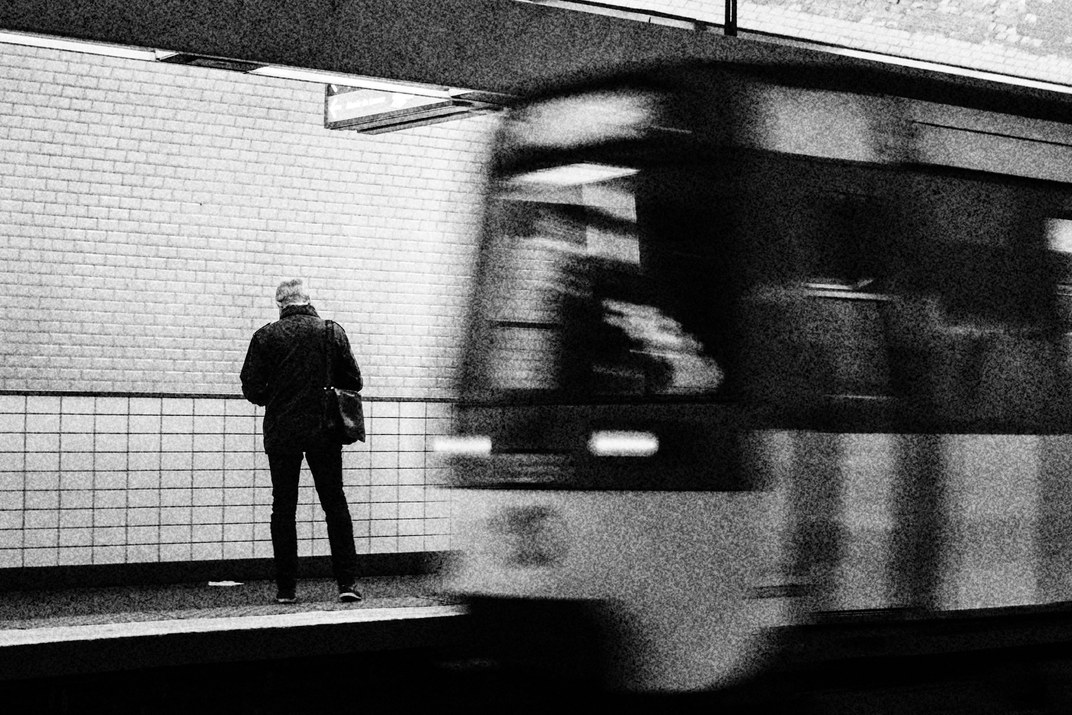
GRLife Pro is now v1.23. Grain used to come from the camera’s own grain stage and looked more like digital noise. This time it is rebuilt from scratch: modelled on scans of real colour negative and black and white film, measured point by point and tuned into the camera.
What’s new
- Grain clumps with soft edges instead of hard single-pixel dots.
- It sits where film puts it: most in the shadows and mid tones, less as it gets brighter, none on pure black or white.
- No grid and no repeating pattern anywhere in the picture.
- Its size follows the film’s speed on its own: finest up to ISO 200, coarser at 400 and 800, coarsest from 1600. Nothing to set.
- High-speed black and white films get crisper grain; colour films get a very faint colour grain (about 12% of the luma grain), black and white films none.
Before and now
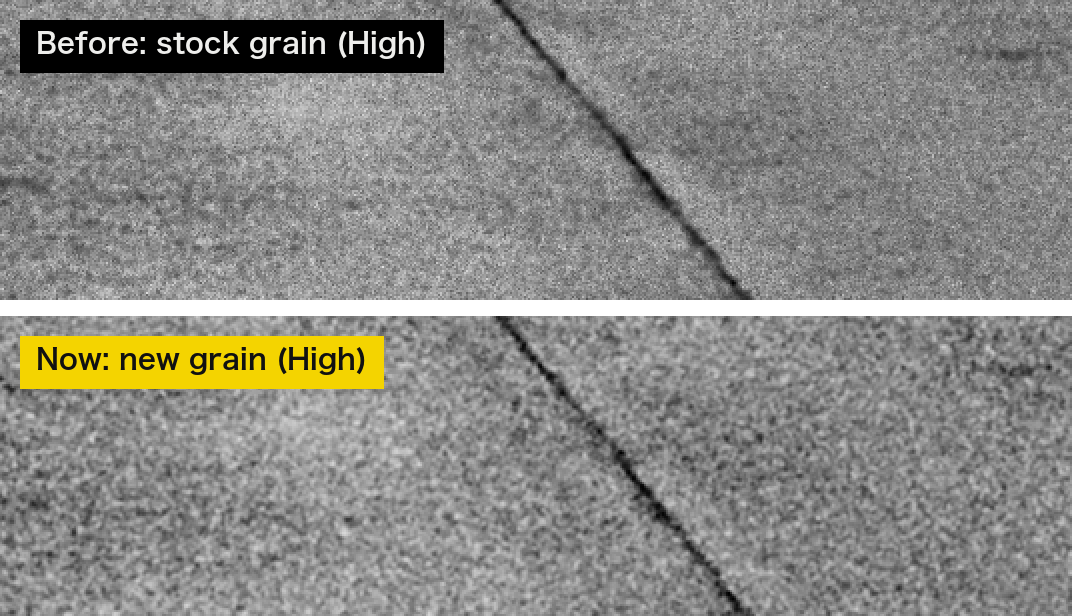
The same patch of road at 200%: the stock grain is one dot per pixel, mostly in the brighter mid tones; the new grain clumps and reaches into the shadows.
How to upgrade
- Generate a new firmware in the firmware store and install it as before.
- Open MENU → GRLife Pro → Info: when the second line reads v1.23 you are on the new version.
- Choose Grain in the GRLife Pro menu: Off / Low / Medium / High. Grain applies to the film bay’s film slots.
Good to know
- Because the camera has to compute the film grain, with grain on each photo takes about 2–3 seconds longer to process, playing back photos gets a little slower, and after a burst the camera finishes processing before it switches off; if that is too slow for you, turn grain off.
- Supports GR IIIx 1.60 / 1.70 and GR III 2.10 / 2.20; confirmed on a GR IIIx with 1.70.
- Installing unofficial firmware carries risk: keep the stock firmware so you can go back.
This post was first sent by email to GRLife users. To get the next one, sign in and turn on email notifications in Account settings.