
GRLife Pro v1.26: new film softness, faster processing for playback
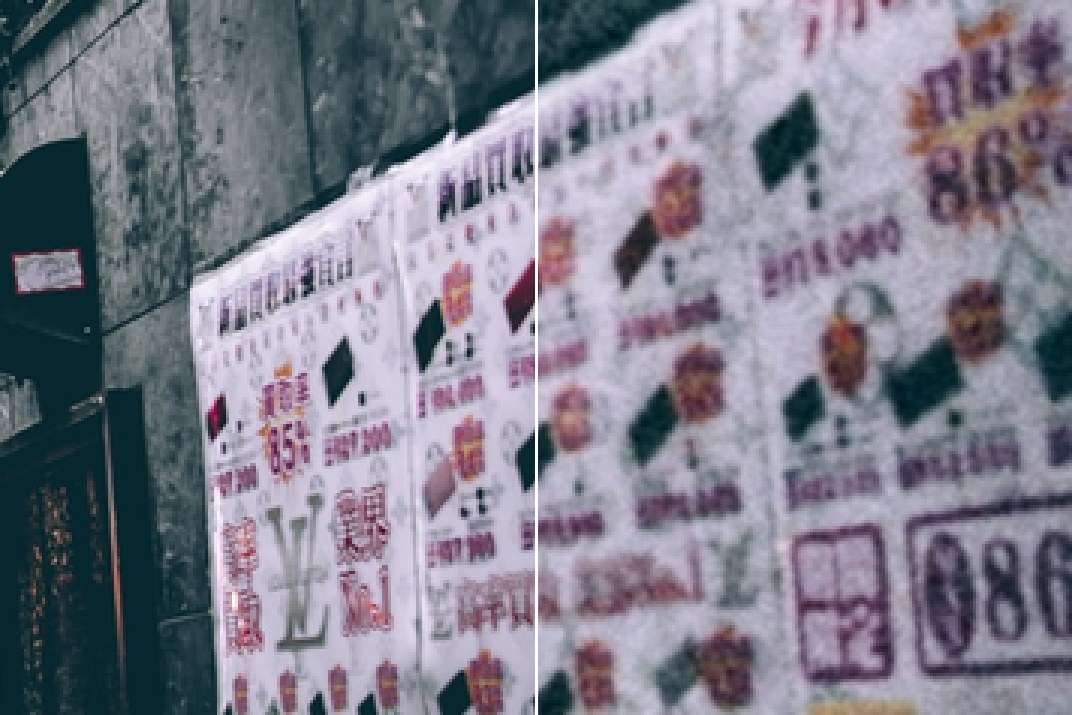
Digital photos are sharp to the pixel, with the hard edges sharpening leaves behind; on a film scan, detail fades gently instead. GRLife Pro v1.26 adds Film softness to bring that back.
What’s new
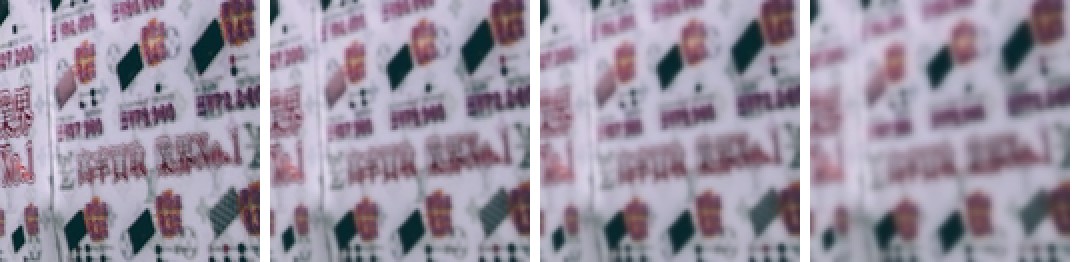
- New Film softness, measured on 40 Frontier SP-3000 film scans: Low, Medium and High, off by default. Low matches the sharpest scans, Medium the typical one, High the softer ones.
- Highlights roll off slowly at their edges, as on the scans; with colour films the colours soften too, and faster films come out slightly softer.
- With grain on, the softness comes first and the grain stays crisp on top, as in a scan.
- In the GRLife Pro menu, Grain and Diffusion are now on one new Film texture page with Film grain, HDF diffusion and Film softness: up and down to choose, left and right to change, OK to go back. The Date stamp page now works the same way.
- Processing before playback is faster, so you see your photo sooner; Film softness adds about 0.2 s per photo.
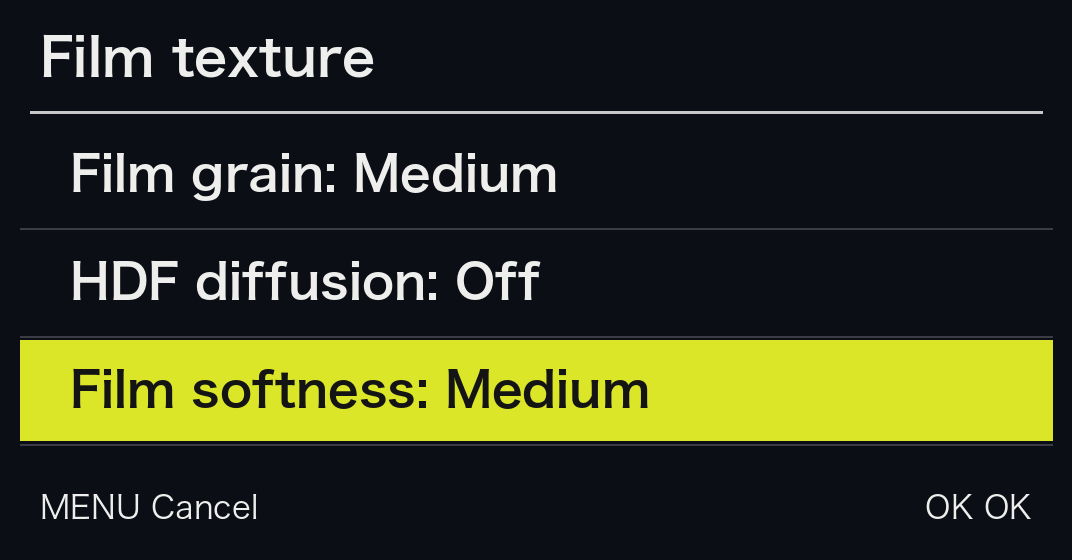
The new Film texture page
MENU → GRLife Pro → Film texture: up and down to choose, left and right to change, OK to go back.
The three levels
The same sign at 200%, no grain, from left to right: Off, Low, Medium, High.
Also updated on 23 October
- GRLife Pro v1.25: saving a USER mode (U1–U3) now keeps the film bay slot, grain and diffusion with it, and they come back as soon as you turn to it.
- GRLife Pro v1.24: the live view refreshes more reliably after a film change.
- Aspect ratios v1.6: switching to 16:9 in the ADJ menu no longer leaves a washed-out view with traces of the old picture.
How to upgrade
- Generate a new firmware in the firmware store and install it as before.
- Open MENU → GRLife Pro → Info: when the second line reads v1.26 you are on the new version.
- Choose Film softness on GRLife Pro → Film texture: Off / Low / Medium / High. It applies to the film bay’s film slots; a B after the film’s name in Image Control shows the level.
Good to know
- Film softness adds about 0.2 s of processing per photo.
- If you go back to an older version with Film softness on, the grain, diffusion and date stamp settings return to their defaults once, and USER modes saved with Film softness need to be saved again.
- Supports GR IIIx 1.60 / 1.70 and GR III 2.10 / 2.20; confirmed on a GR IIIx with 1.70.
- Installing unofficial firmware carries risk: keep the stock firmware so you can go back.
This post was first sent by email to GRLife users. To get the next one, sign in and turn on email notifications in Account settings.