
Half frame on your GR: two portrait shots, one photo
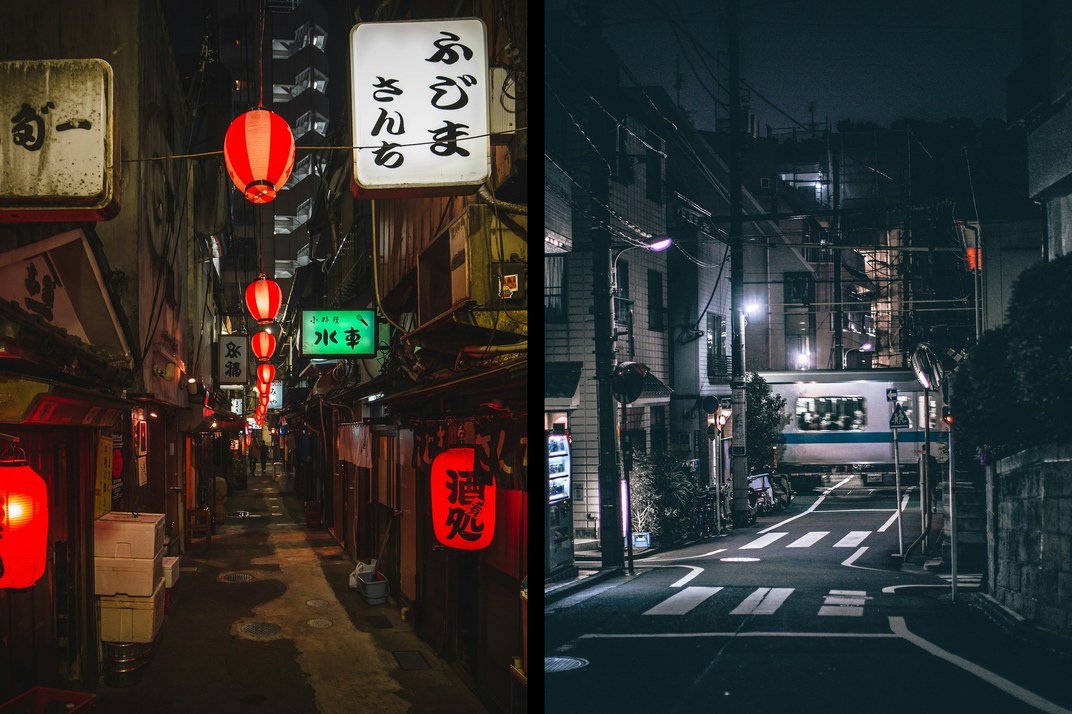
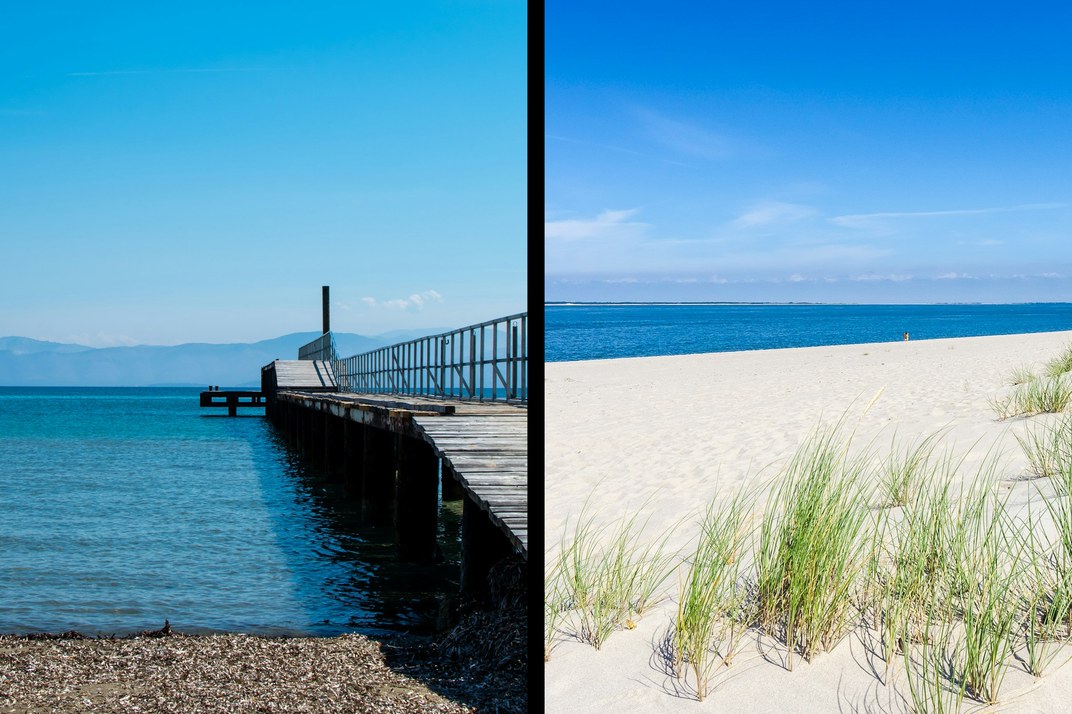
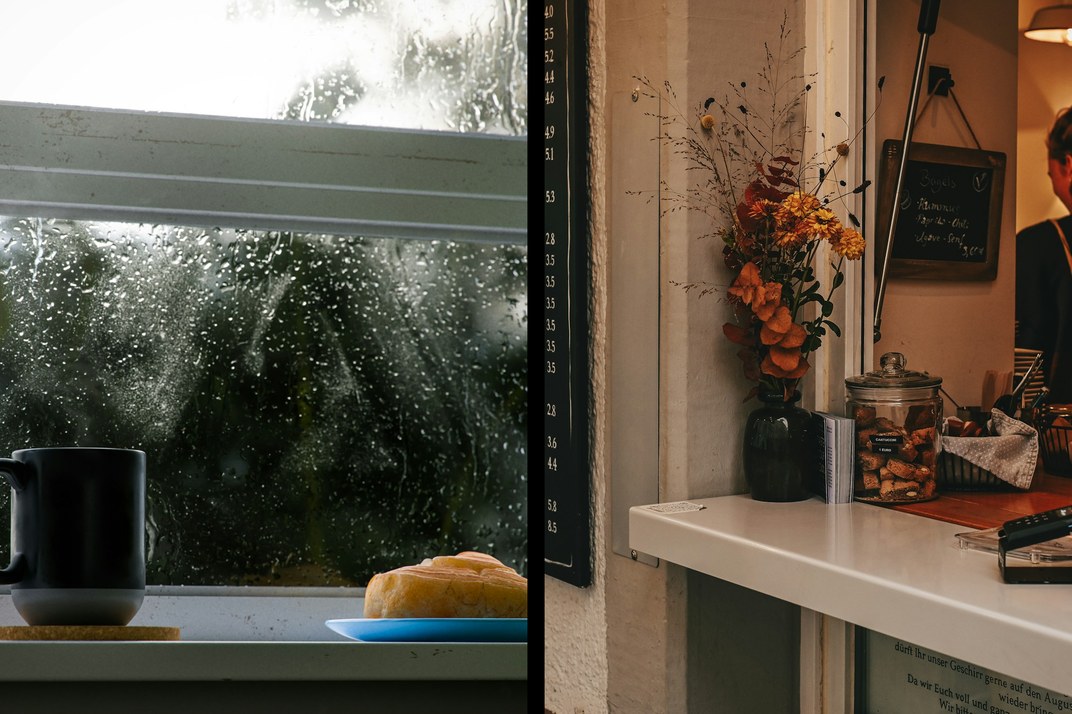
A user asked whether the GR could shoot half frame. We nearly answered: turn the camera 90 degrees, take two portrait shots and join them later. Then more hands went up, so here it is. Half frame adds a composite mode to the stock multi-exposure: take two shots in the portrait frame in the middle, and the camera joins them into one 3:2 photo with a black line between.
How it shoots
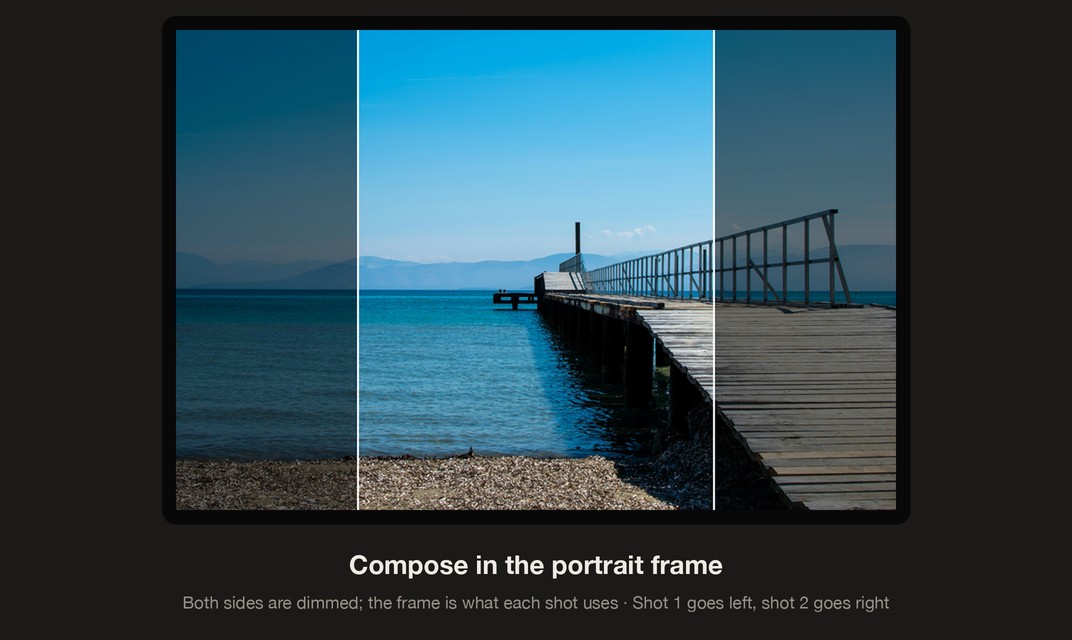
- Live view dims both sides and leaves a portrait frame in the middle: that is what the shot uses.
- After the first shot choose Next shot; it goes on the left. The second shot goes on the right.
- After the second shot the menu offers only Finish / Retake; choose Finish to save one photo.
- While you take the second shot, live view shows no ghost of the first.
Turning it on in the camera
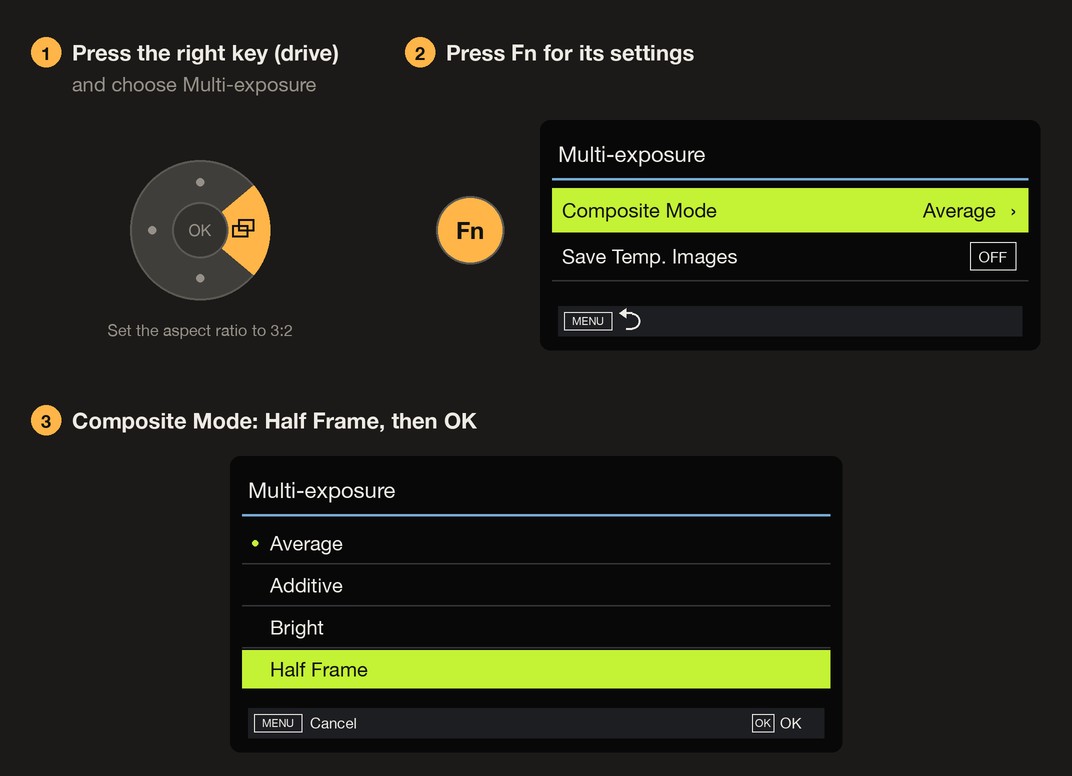
- Set the aspect ratio to 3:2.
- Press the right key of the four-way controller (drive) and choose Multi-exposure.
- Press Fn to open the multi-exposure settings, set Composite Mode to Half Frame and press OK.
Two more
Getting started
- Open the firmware store and tick Half frame; it uses the More aspect ratios module, which is added with it. GRLife Pro is not needed.
- Generate a new firmware and install it as before.
- Follow the three steps above and choose Half Frame in multi-exposure.
Also fixed (Nine ADJ settings 1.4)
With Light leak assigned to ADJ settings 1 to 5, a camera flashed back to the stock firmware read a function it does not know. It is now kept aside like the film and grain, and the stock settings show off. Takes effect after you generate and install a new firmware.
Good to know
- Use it at 3:2; each shot gives the portrait crop from the centre of the frame.
- Supports GR IIIx 1.60 / 1.70 and GR III 2.10 / 2.20; confirmed on a GR IIIx with 1.70. Not yet tested on a GR III.
- At power-off the settings file stores Average, so after flashing back to the stock firmware the composite mode is Average.
- This is not an official Ricoh tool. Installing unofficial firmware carries risk: keep the stock firmware so you can go back.
This post was first sent by email to GRLife users. To get the next one, sign in and turn on email notifications in Account settings.