
28 new films (92 in all) and GRLife Pro App 2.1.1
Three updates at once: 28 new films in the film library, the GRLife Pro App at 2.1.1, and a fix to the film list in movie mode on the GR IV (Beta). On a GR III / IIIx there is nothing to flash; you replace one file.
All 28 are part of the GRLife Pro Film Collection. Get it once and you can use all 92 films in the library and every film added later. Without it, the film page still shows them, locked, and you can open them to read about them.
The 28 new films
Each picture is a reference photo rendered with that film’s data; tap one to open the film’s page. All 28 are computed in GRLife’s spectral simulation from Fotufilm’s film data (CC BY-SA 4.0).
V2: second versions of 11 films, simulated again from the films’ spectral data; the earlier versions stay.

 Portra400 V2 Photo: Iam Os / Unsplash

 Ektar100 V2 Photo: Erik Gazi / Unsplash

 Gold200 V2 Photo: Hugo Cornuel / Unsplash
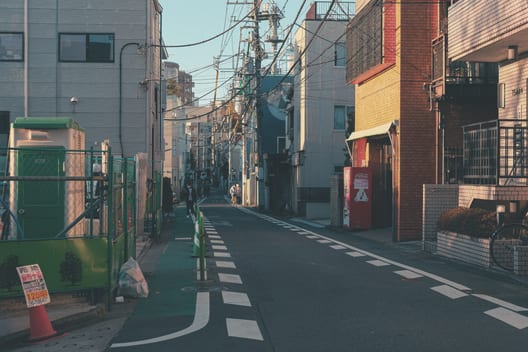
 UMax400 V2 Photo: Mylene Larnaud / Unsplash
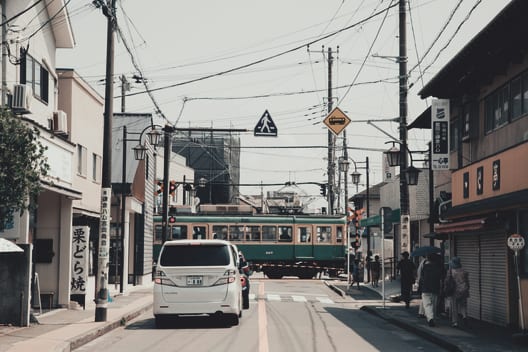
 Superia200V2 Photo: Crystal Fang / Unsplash

 Pro400H V2 Photo: Manny Moreno / Unsplash
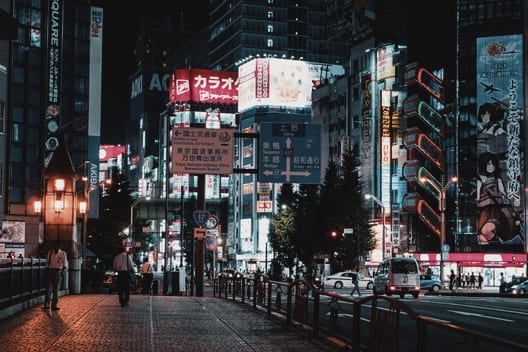
 V3 500T V2 Photo: Ramon Kagie / Unsplash
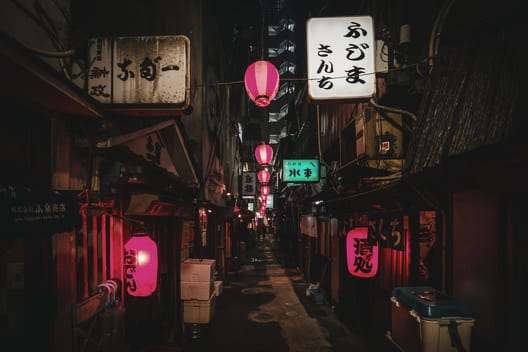
 CS 800T V2 Photo: Denys Nevozhai / Unsplash

 E100 V2 Photo: Lucas Gallone / Unsplash

 KChrome64 V2 Photo: Frolicsome Fairy / Unsplash
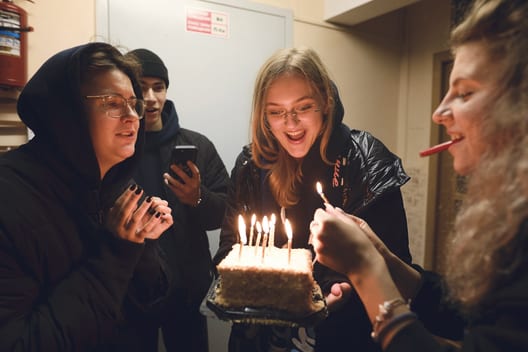
 Instax V2 Photo: Ilya Semenov / Unsplash
New films: 17, from slide and cinema stocks to Lomography’s colour-shifting films.
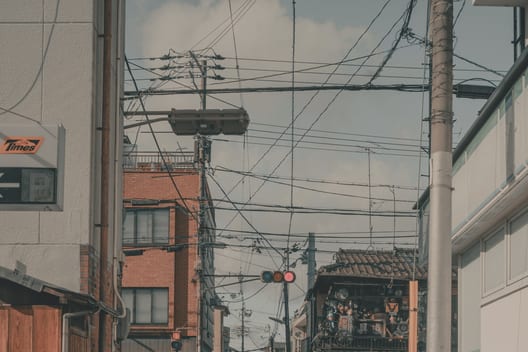
 Kodacolor100 Photo: Clay Banks / Unsplash
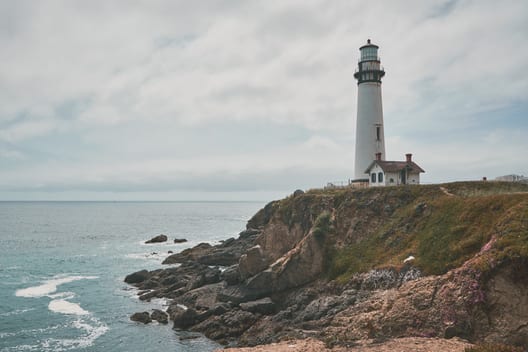
 Aerocolor IV Photo: Nora Jane Long / Unsplash
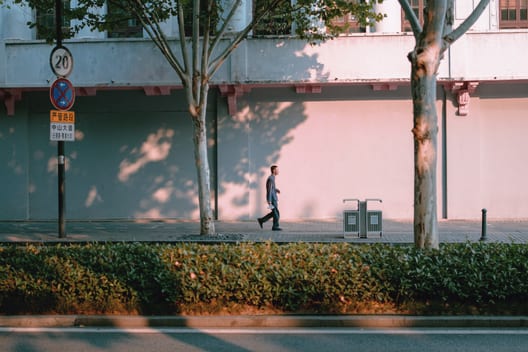
 Verita 200D Photo: Zijian Wang / Unsplash
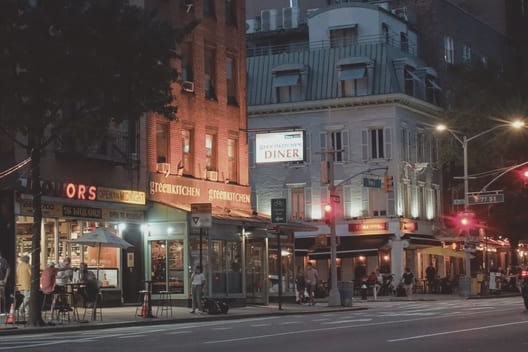
 CS 400D Photo: Ricky Singh / Unsplash

 Superia 400 Photo: Clay Banks / Unsplash
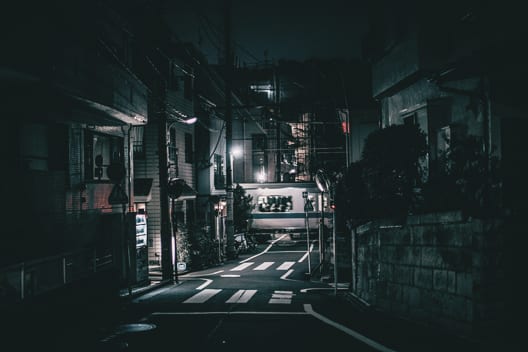
 Eterna 500 Photo: Andre Benz / Unsplash

 Velvia 50 Photo: Johannes Plenio / Unsplash

 Astia 100F Photo: Ian Dooley / Unsplash

 Aerochrome Photo: Mark Basarab / Unsplash

 RSX II 100 Photo: Hilthart Pedersen / Unsplash

 RSX II 200 Photo: Rafael Padeiro / Unsplash
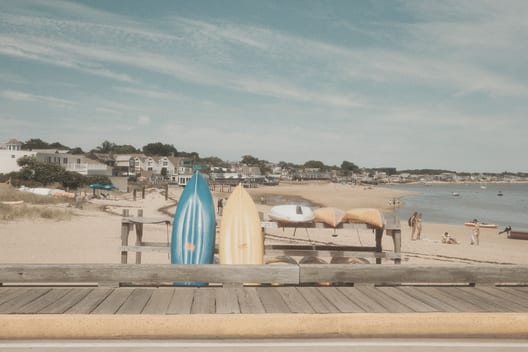
 Lomo CN 100 Photo: Mohammed Shonar / Unsplash

 Metropolis Photo: Nino Hille / Unsplash
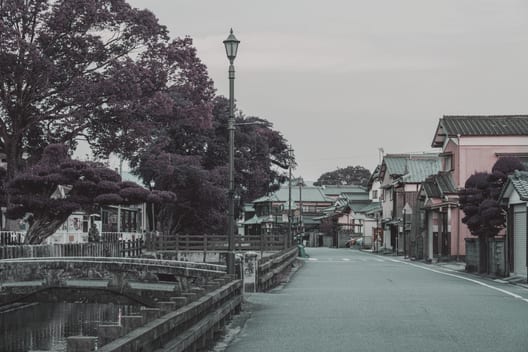
 Lomo Purple Photo: Nichika Sakurai / Unsplash
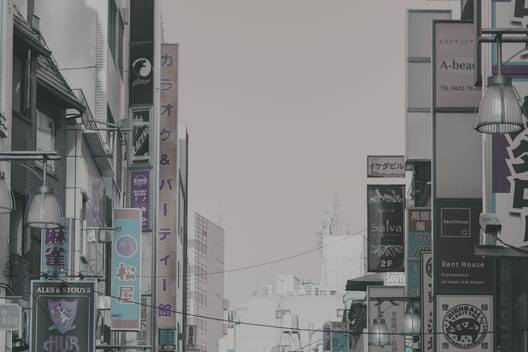
 Turquoise Photo: Christopher Stites / Unsplash
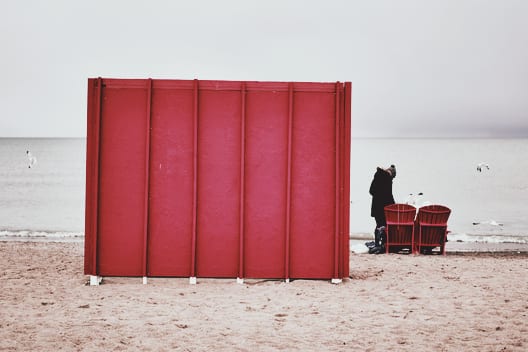
 Phoenix 200 Photo: Ashwini Chaudhary / Unsplash

 IR Color Photo: Andrew Hall / Unsplash
App 2.1.1 (shared by GR III / IIIx / IV)
- About shows the App version.
- On the GR III / IIIx, About shows the model as “GR III / IIIx”; it used to say GR IIIx on every body.
- The film page lists the films you have: picking only a few no longer leaves a row of locked films. With only the five built-in films, the other films still show with a lock, and you can open them to read about them.
- The “Hide locked films” switch is gone; the point above takes care of it.
GR IV (Beta)
- In movie mode the ADJ panel no longer lists films (they could be picked but had no effect on video). The film for photos is unchanged. Needs the newly generated firmware.
How to update
- Open the firmware page, generate again with your earlier choices and download the ZIP.
- GR III / IIIx: copy GRLPRO.GRP from the ZIP’s GRLIFE folder into the GRLIFE folder on the card, replacing the old one. No flashing.
- GR IV: flash the newly generated firmware as the page shows, and replace GRLPRO.GRP the same way.
- Keep the FILMS.GRF already on the card; don’t overwrite it with the ZIP’s copy, which holds only the five built-in films. Press OK on the camera: About should show App version v2.1.1.
Open the firmware page See the Film Collection
This post was first sent by email to GRLife users. To get the next one, sign in and turn on email notifications in Account settings.