
🎃 New film: Ghost — cold teal, with only the jack-o’-lanterns left orange
Happy (belated) Halloween! 🎃
Film No. 62, Ghost, joins the Duotone group. Lifted blacks, teal shadows, cool highlights and muted colour wrap the picture in a cold haze, while hue sectors keep orange alone, so jack-o’-lanterns and orange lights stay warm in a cold teal frame. No firmware update needed.
The pictures are simulations computed the way the camera processes the image, not camera shots.
 Ghost
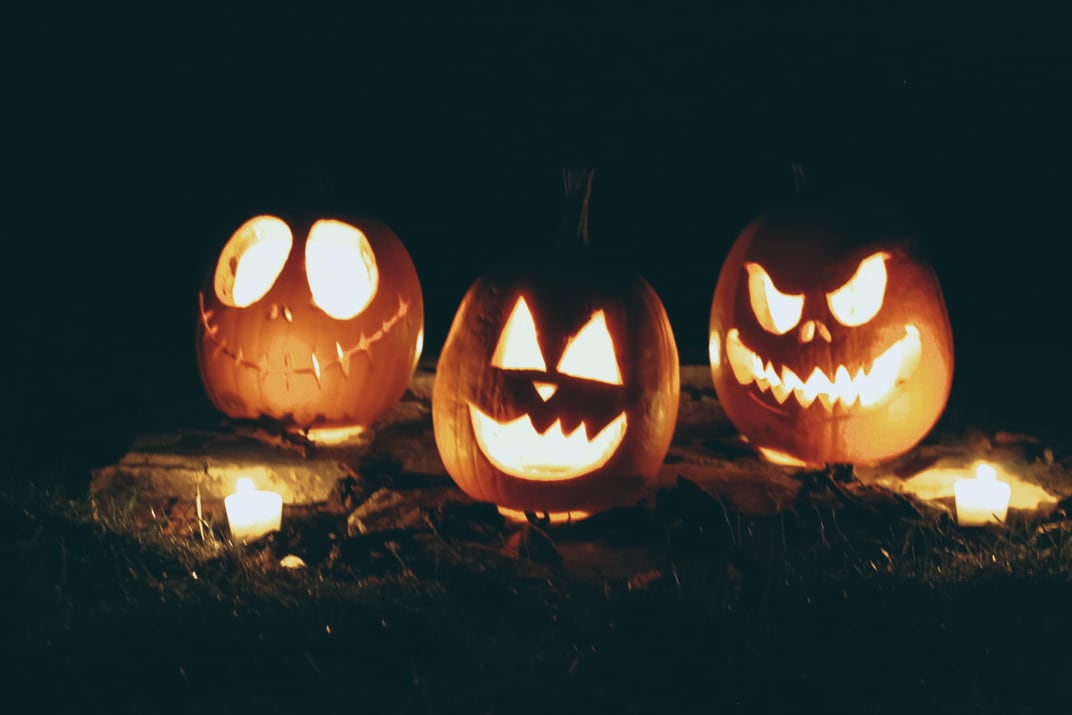
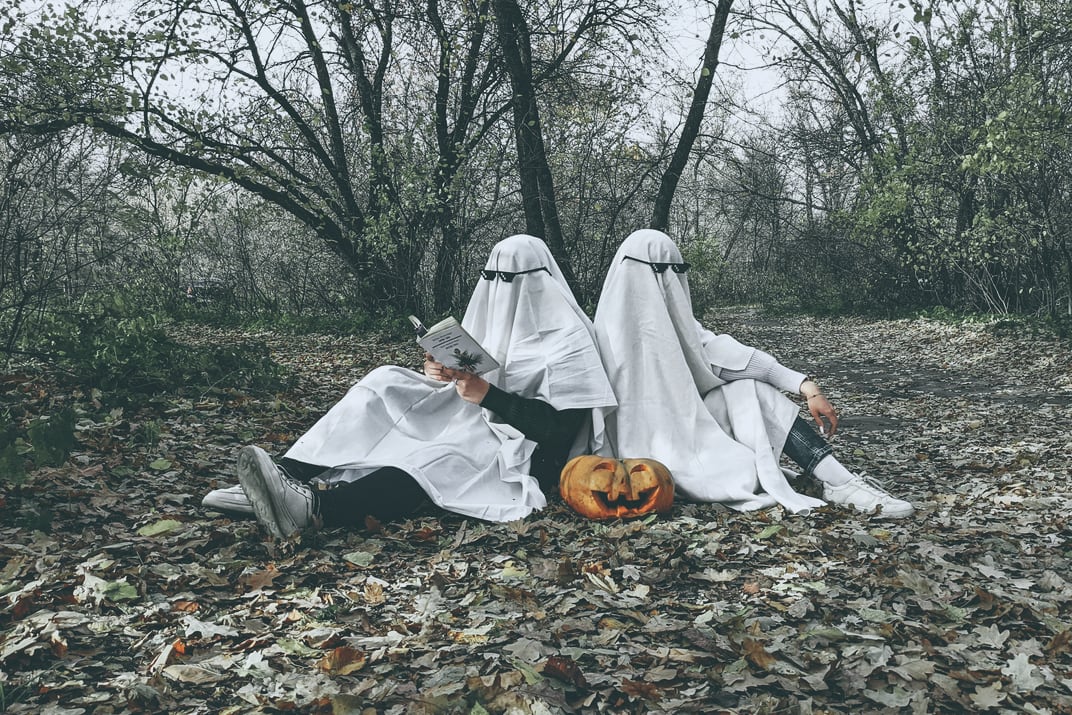
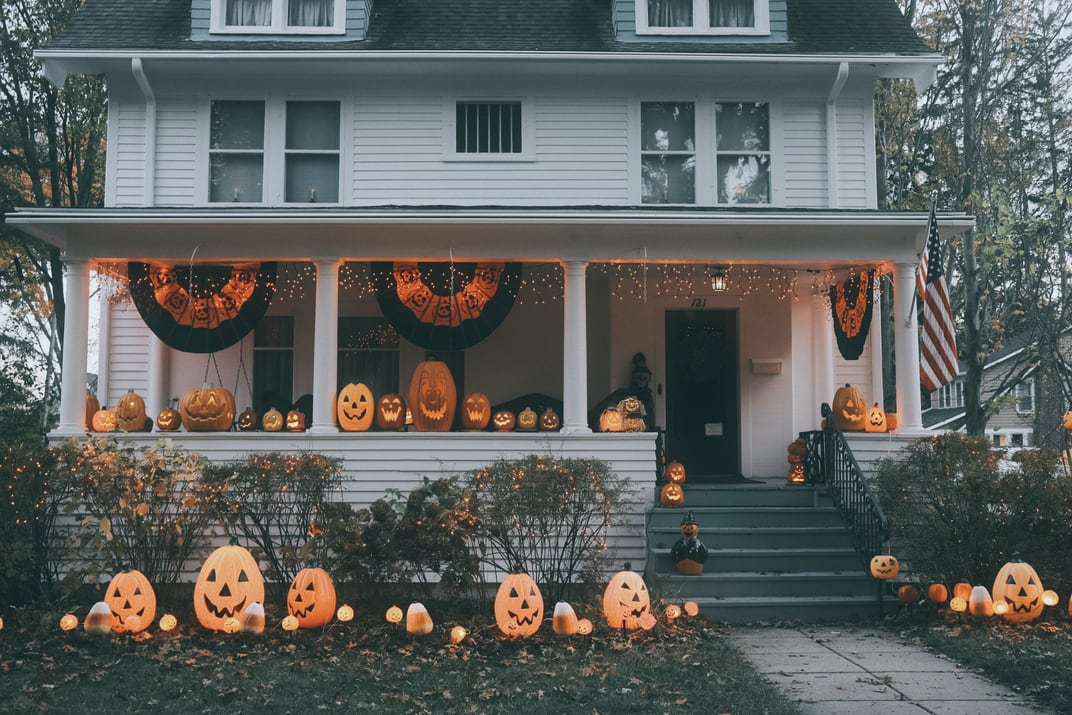
How to catch a ghost
- Use a slow shutter speed of 1/4 s to 1 s on a moving person or a swaying white sheet: the figure turns see-through.
- In Image Control, set Shading to +4 (vignette) and Clarity to −4 (haze).
- In the film textures, turn on HDF diffusion (strong) and coarse grain, plus an edge light leak, for a hazy Lomo look.
Keeping orange needs GRLife Pro v1.36 or later (hue sectors).
If you own the GRLife Pro Film Collection, Ghost is already included at no extra cost:
- Open the film library page and download the film library again.
- Copy it to the GRLIFE folder on your memory card, replacing FILMS.GRF.
- In the camera’s film bay, load Ghost from the Duotone group into any position.
This post was first sent by email to GRLife users. To get the next one, sign in and turn on email notifications in Account settings.