
M9 CCD Colors on Ricoh GR — Unofficial Film Look
The GRLife film library has two M9-style films, M9 and M9 Std, modelled on the colours enthusiasts associate with the CCD cameras of the M9 era. They are colour looks in the film library, not an official Leica recipe and not a list of settings to dial in yourself; once loaded, the camera shoots them straight to JPEG.
GRLife is a third-party tool with no connection to Ricoh or Leica and no authorisation from either. M9 and M9 Std are colours we fitted to community LUTs shared online; they are not Leica or Ricoh data. Using them requires flashing unofficial custom firmware, which carries risk.
Two M9-style films
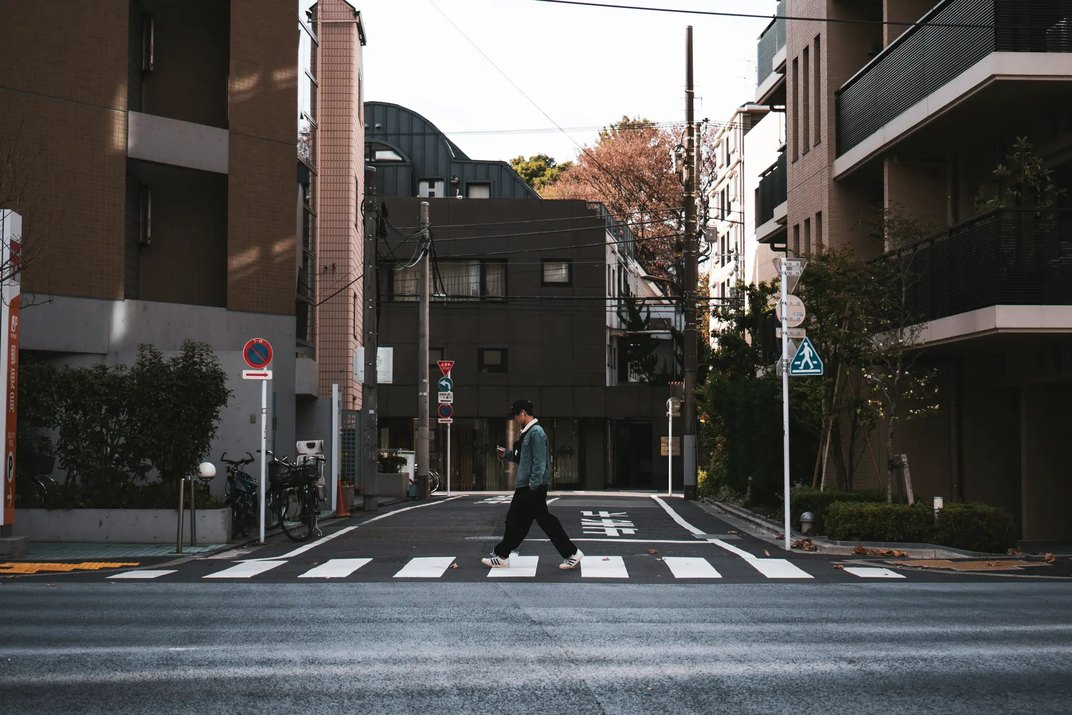
 M9
Compared with the camera’s Standard mode: clearly darker overall, slightly harder contrast and slightly richer colour, with neutral warmth and tint.

 M9 Std
Just as clearly darker with slightly richer colour, and harder contrast than M9.
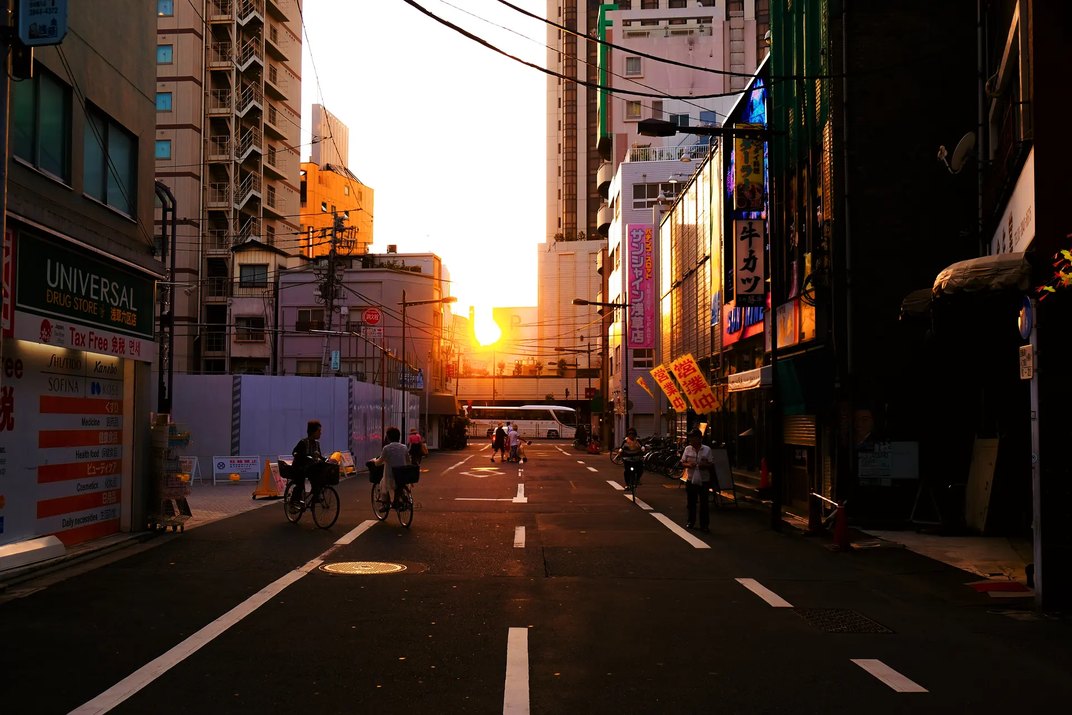
The pictures are rendered on a computer with the same colour data the film library uses. They are not camera shots and include no grain or other texture.
How this differs from GR recipes online
- The GR recipes shared online are sets of stock settings: an image control, a white balance shift and its parameters, which you dial into the camera one by one.
- M9 and M9 Std are films in the film library: their colour comes from a matrix and a tone curve. Once loaded, you pick one in GRLife Pro and shoot, with nothing to dial in.
- They are fitted to community LUTs and use no settings from any recipe website. We do not provide LUT files.
How to use them
- Generate and flash the GRLife Pro 2.x custom firmware (generating needs an internet connection), then copy GRLPRO.GRP from the ZIP into the GRLIFE folder on the card.
- M9 and M9 Std are part of the GRLife Pro Film Collection, a paid option; the price is whatever the film library page shows. Once you have it, download FILMS.GRF for your camera on the film library page and put it in the GRLIFE folder on the card.
- On the shooting screen, press OK to open GRLife Pro, switch to the Leica group on the film page and pick M9 or M9 Std. If you want grain, turn it on for that film on the Texture page.